
You and your trusty TI-84+ can ace math, together
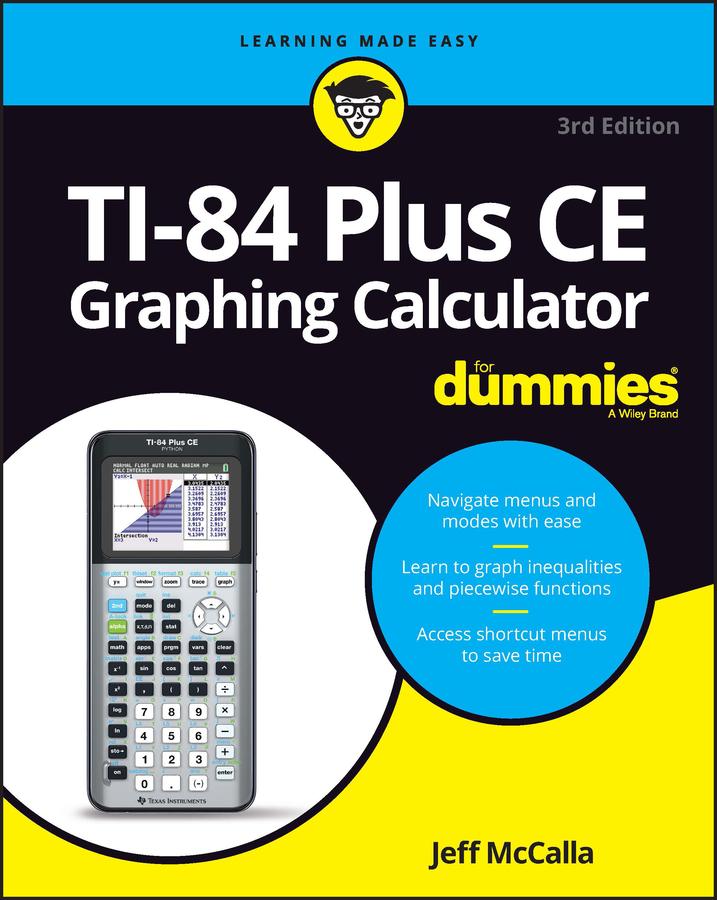
Graphing calculators are an essential tool in many high school and college math courses. TI-84 Plus CE Graphing Calculator For Dummies teaches you how to use these handy little machines with confidence, for basic math and far, far beyond. Packed with insider tips, common mistakes to avoid, and updates on the newest products available, this is the must-have reference to get the most out of your graphing calculator. You’ll learn how to navigate the home screen, menus, and mode settings. And we’ll teach you how to use your calculator to, uh, do math—starting with basic arithmetic functions and stepping up through matrices, complex numbers, and beyond. You can even learn about probability and how to conduct statistical data analysis with your TI-84+. Get graphing!
- Grasp the basics of using your TI-84+ graphing calculator
- Learn how to use shortcut menus to enter fractions, matrices and logarithms (with a change of base!)
- Figure out how to make charts, scatter plots, and more
- Get started programming in Python on the new TI-84 Plus CE Python Edition
- If you have the older TI-84+, look for tips that point out keystroke and functionality differences
This edition of TI-84 Plus CE Graphing Calculator For Dummies lets you do everything there is to do with the very latest TI-84+ models. Whatever kind of math you’re doing, you’ll get some quality screen time in, thanks to Dummies.
Betal enkelt med kort, Klarna, Apple Pay eller Google Pay. Ikke fornøyd? Du har alltid 14 dagers angrerett. Les mer i våre vilkår. Har du spørsmål, send oss en e-post på hello@memmo.org.
Memmo gjør det enklere å studere – uansett hvor du er i verden. Hos oss samler du pensumbøker og smarte studieverktøy på ett og samme sted: sammendrag, quizer, podkaster og flashcards. Og så Ted, din studiekompis som svarer på alt du lurer på. Over 50 000 studenter studerer allerede her – bygget for at du skal lære raskere og stresse mindre.