
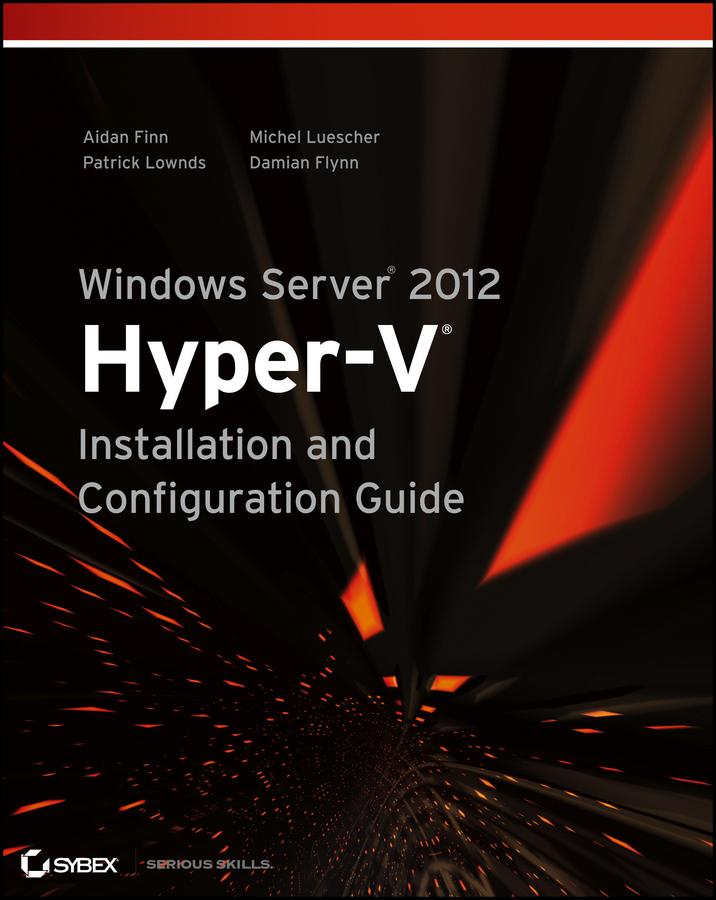
Go-to guide for using Microsoft's updated Hyper-V as a virtualization solution
Windows Server 2012 Hyper-V offers greater scalability, new components, and more options than ever before for large enterprise systems and small/medium businesses. Windows Server 2012 Hyper-V Installation and Configuration Guide is the place to start learning about this new cloud operating system. You'll get up to speed on the architecture, basic deployment and upgrading, creating virtual workloads, designing and implementing advanced network architectures, creating multitenant clouds, backup, disaster recovery, and more.
The international team of expert authors offers deep technical detail, as well as hands-on exercises and plenty of real-world scenarios, so you thoroughly understand all features and how best to use them.
- Explains how to deploy, use, manage, and maintain the Windows Server 2012 Hyper-V virtualization solutions in large enterprises and small- to medium-businesses
- Provides deep technical detail and plenty of exercises showing you how to work with Hyper-V in real-world settings
- Shows you how to quickly configure Hyper-V from the GUI and use PowerShell to script and automate common tasks
- Covers deploying Hyper-V hosts, managing virtual machines, network fabrics, cloud computing, and using file servers
- Also explores virtual SAN storage, creating guest clusters, backup and disaster recovery, using Hyper-V for Virtual Desktop Infrastructure (VDI), and other topics
Help make your Hyper-V virtualization solution a success with Windows Server 2012 Hyper-V Installation and Configuration Guide.
Payez facilement par carte, Klarna, Apple Pay ou Google Pay. Pas satisfait ? Vous avez toujours une garantie de remboursement de 14 jours. En savoir plus dans nos conditions. Si vous avez des questions, envoyez-nous un e-mail à hello@memmo.org.
Memmo facilite tes études, où que tu sois dans le monde. On rassemble tes manuels de cours et des outils d'étude intelligents au même endroit : résumés, quiz, podcasts et flashcards. Et il y a Ted, ton compagnon d'étude qui répond à toutes tes questions. Plus de 50 000 étudiants étudient déjà ici – conçu pour t'aider à apprendre plus vite et à moins stresser.