
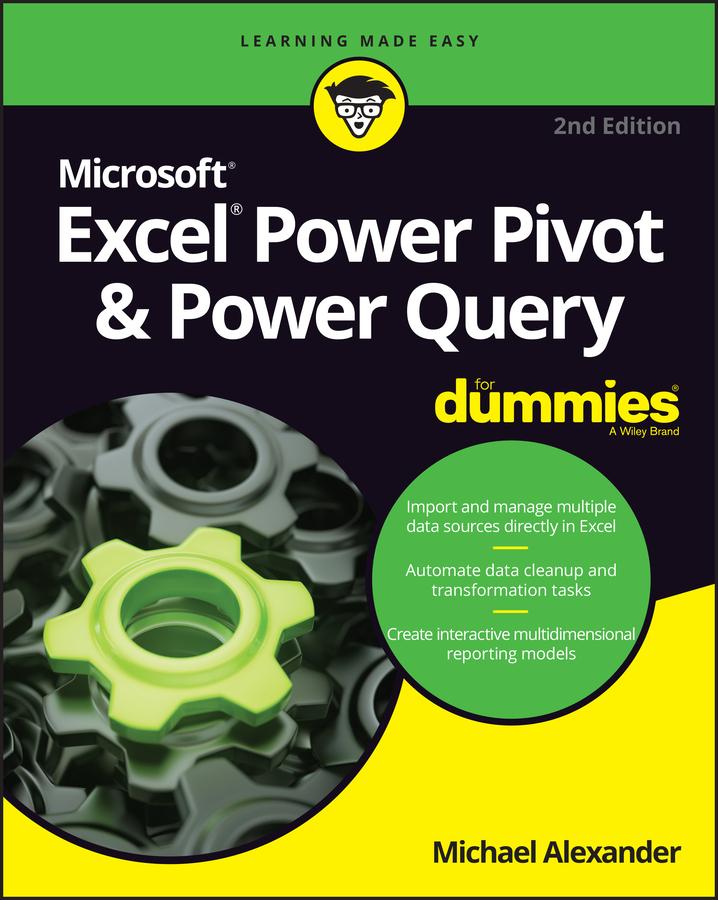
Learn to crunch huge amounts of data with PowerPivot and Power Query
Do you have a ton of data you need to make sense of? Microsoft’s Excel program can handle amazingly large data sets, but you’ll need to get familiar with PowerPivot and Power Query to get started.
And that’s where Dummies comes in. With step-by-step instructions—accompanied by ample screenshots—Excel PowerPivot & Power Query For Dummies will teach you how to save time, simplify your processes, and enhance your data analysis and reporting. Use Power Query to discover, connect to, and import your organization’s data. Then use PowerPivot to model it in Excel. You’ll also learn to:
- Make use of databases to store large amounts of data
- Use custom functions to extend and enhance Power Query
- Add the functionality of formulas to PowerPivot and publish data to SharePoint
If you’re expected to wrangle, interpret, and report on large amounts of data, Excel PowerPivot & Power Query For Dummies gives you the tools you need to get up to speed quickly.
Pay easily by card, Klarna, Apple Pay or Google Pay. Not happy? You always have a 14-day money-back guarantee. Read more in our terms. If you have any questions, email us at hello@memmo.org.
Memmo makes studying easier – wherever you are in the world. We bring your course books and smart study tools together in one place: summaries, quizzes, podcasts and flashcards. Plus Ted, your study buddy who answers anything you wonder. Over 50,000 students already study here – built to help you learn faster and stress less.