
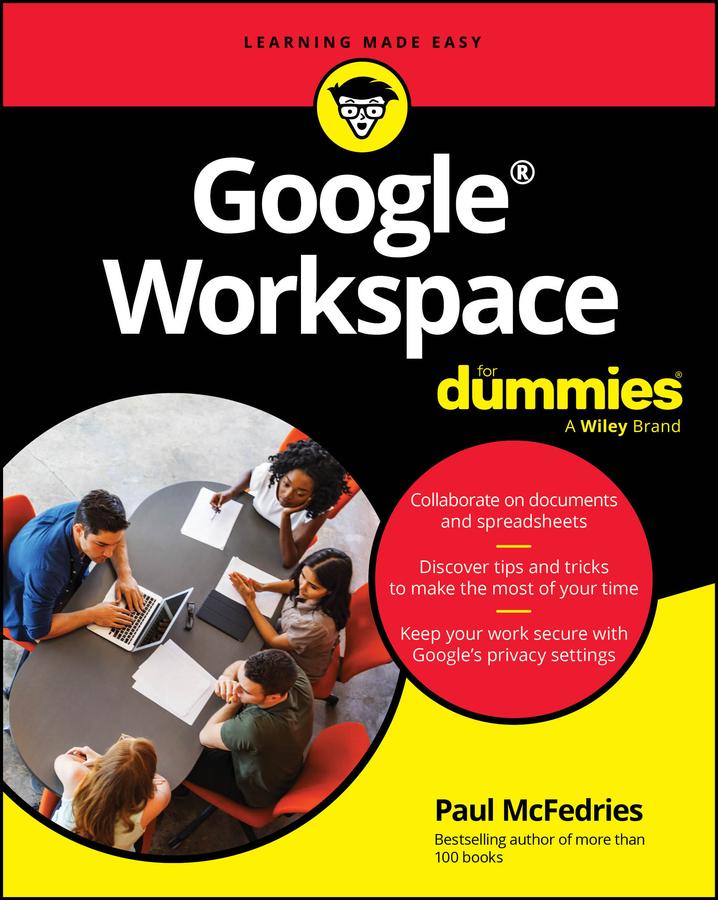
Easy advice for getting the most out of Google Workspace for school, work, or personal use
Google Workspace For Dummies is here to show you the tips and tricks for upping your productivity with Google's cloud-based software suite. This book includes jargon-free instructions on using Gmail, Calendar, Docs, Sheets, Drive, Chat, and Meet. You'll learn about the AI features, updated security, compatibility with other apps, picture-in-picture capability for video meetings, and beyond. Plus, you'll get info on Google's Forms and Notes feature that makes it simple to gather and share data and stay up-to-date with your team. It's easier than ever to collaborate securely in the cloud, thanks to this Dummies book.
- Learn how to collaborate with colleagues in real time using the programs that come with Google Workspace
- Create and edit contacts, and set up video meetings
- Work on slides, spreadsheets, and documents
- Discover tips and tricks to increase productivity and keep your work secure
Google Workspace For Dummies is a must for business users and workers who use Google applications on the job. Casual users and students, you'll love it, too.
Betal enkelt med kort, Klarna, Apple Pay eller Google Pay. Ikke fornøyd? Du har alltid 14 dagers angrerett. Les mer i våre vilkår. Har du spørsmål, send oss en e-post på hello@memmo.org.
Memmo gjør det enklere å studere – uansett hvor du er i verden. Hos oss samler du pensumbøker og smarte studieverktøy på ett og samme sted: sammendrag, quizer, podkaster og flashcards. Og så Ted, din studiekompis som svarer på alt du lurer på. Over 50 000 studenter studerer allerede her – bygget for at du skal lære raskere og stresse mindre.