
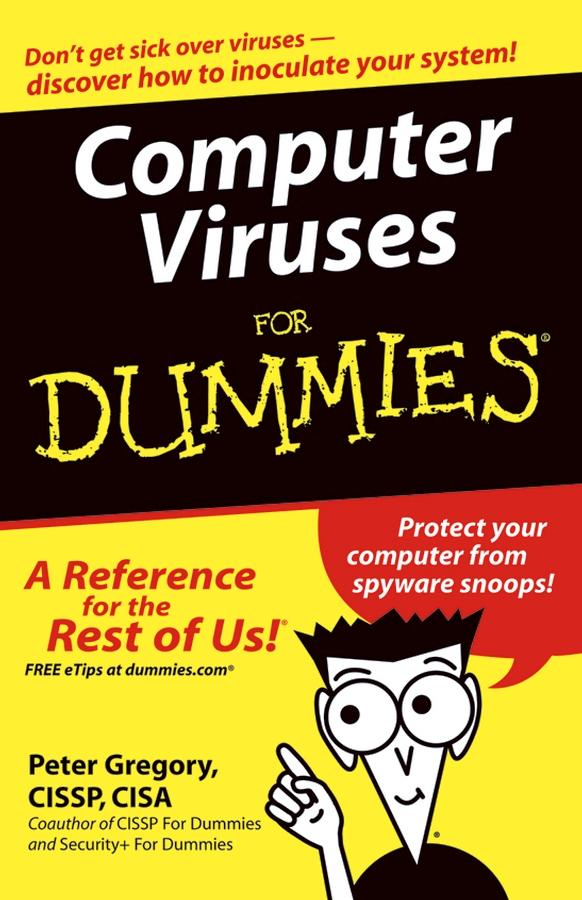
Fortunately, there are ways to inoculate and protect your computer. Computer Viruses For Dummies helps you:
- Understand the risks and analyze your PC’s current condition
- Select, install, and configure antivirus software
- Scan your computer and e-mail
- Rid your computer of viruses it’s already caught
- Update antivirus software and install security patches
- Use firewalls and spyware blockers
- Protect handheld PDAs from viruses
- Adopt safe computing practices, especially with e-mail and when you’re surfing the Net
Written by Peter H. Gregory, coauthor of CISSP For Dummies and Security + For Dummies, Computer Viruses For Dummies goes beyond viruses to explain other nasty computer infections like Trojan horses, HiJackers, worms, phishing scams, spyware, and hoaxes. It also profiles major antivirus software to help you choose the best program(s) for your needs.
Remember, if you don’t protect your computer, not only do you risk having your computer infiltrated and your data contaminated, you risk unknowingly transmitting a virus, worm, or other foul computer germ to everybody in your address book! This guide will help you properly immunize your PC with antivirus software now and install updates and security patches that are like booster shots to keep your software protected against new viruses.
Betal enkelt med kort, Klarna, Apple Pay eller Google Pay. Ikke fornøyd? Du har alltid 14 dagers angrerett. Les mer i våre vilkår. Har du spørsmål, send oss en e-post på hello@memmo.org.
Memmo gjør det enklere å studere – uansett hvor du er i verden. Hos oss samler du pensumbøker og smarte studieverktøy på ett og samme sted: sammendrag, quizer, podkaster og flashcards. Og så Ted, din studiekompis som svarer på alt du lurer på. Over 50 000 studenter studerer allerede her – bygget for at du skal lære raskere og stresse mindre.