
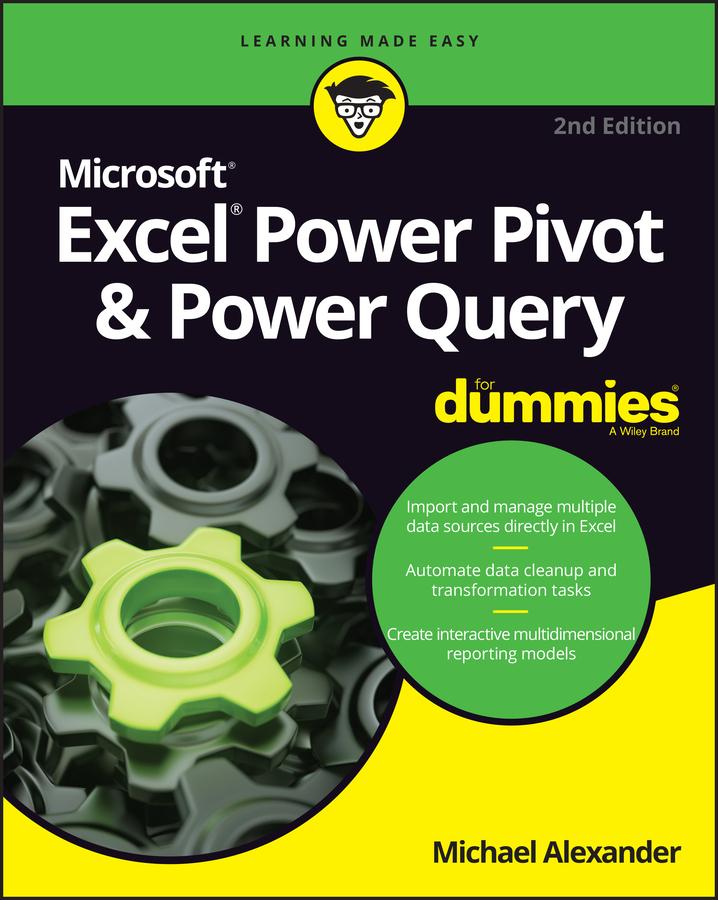
Learn to crunch huge amounts of data with PowerPivot and Power Query
Do you have a ton of data you need to make sense of? Microsoft’s Excel program can handle amazingly large data sets, but you’ll need to get familiar with PowerPivot and Power Query to get started.
And that’s where Dummies comes in. With step-by-step instructions—accompanied by ample screenshots—Excel PowerPivot & Power Query For Dummies will teach you how to save time, simplify your processes, and enhance your data analysis and reporting. Use Power Query to discover, connect to, and import your organization’s data. Then use PowerPivot to model it in Excel. You’ll also learn to:
- Make use of databases to store large amounts of data
- Use custom functions to extend and enhance Power Query
- Add the functionality of formulas to PowerPivot and publish data to SharePoint
If you’re expected to wrangle, interpret, and report on large amounts of data, Excel PowerPivot & Power Query For Dummies gives you the tools you need to get up to speed quickly.
Maksa helposti kortilla, Klarnalla, Apple Paylla tai Google Paylla. Etkö ole tyytyväinen? Sinulla on aina 14 päivän palautusoikeus. Lue lisää ehdoistamme. Jos sinulla on kysyttävää, lähetä meille sähköpostia osoitteeseen hello@memmo.org.
Memmo tekee opiskelusta helpompaa – missä päin maailmaa ikinä oletkin. Meillä yhdistät kurssikirjat ja fiksut opiskelutyökalut yhteen paikkaan: tiivistelmät, visat, podcastit ja muistikortit. Ja sitten Ted, opiskelukaverisi, joka vastaa kaikkeen, mitä ikinä mietitkin. Yli 50 000 opiskelijaa opiskelee jo täällä – rakennettu auttamaan sinua oppimaan nopeammin ja stressaamaan vähemmän.