
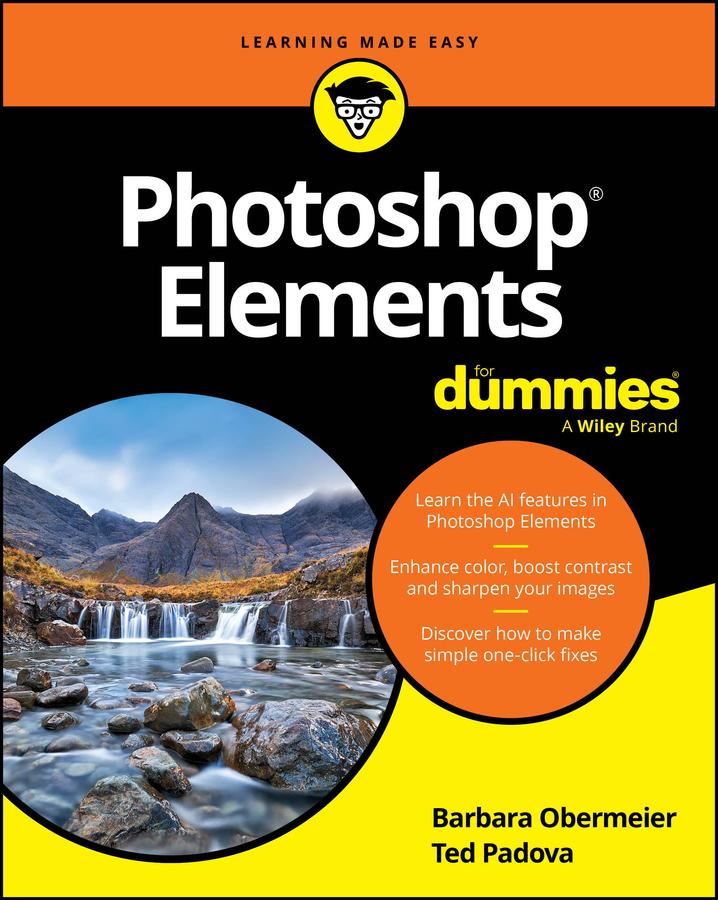
A step-by-step guide to the core features of Photoshop Elements, one of the world's most accessible photo-editing apps for non-pros
In Photoshop Elements For Dummies, an experienced team of design professionals walks you through the beginner-friendly photo editing tool that's used by countless amateur photographers and designers around the world. The authors focus on the tools and features of Photoshop Elements used over and over by its vast audience. From utilizing layers to AI-powered one-click fixes, colorizing techniques, and filters, Photoshop Elements For Dummies offers step-by-step demonstrations of how to turn your images into stunning showstoppers.
You'll learn to enhance everyday photographs you've taken at weddings, on hikes, with friends, and anywhere else. You'll also discover how to:
- Replace backgrounds and duplicate layers to transform your photos into entirely new creations
- Generate different views of an image and use the photomerge feature
- Use Quick Mode to make fast and easy edits and manage your catalog of images
- Apply the latest AI features
Perfect for non-professional photographers and graphic designers new to the software, Photoshop Elements For Dummies is a great way to get a grasp on the core functions of Photoshop Elements that stay the same from version to version.
Pay easily by card, Klarna, Apple Pay or Google Pay. Not happy? You always have a 14-day money-back guarantee. Read more in our terms. If you have any questions, email us at hello@memmo.org.
Memmo makes studying easier – wherever you are in the world. We bring your course books and smart study tools together in one place: summaries, quizzes, podcasts and flashcards. Plus Ted, your study buddy who answers anything you wonder. Over 50,000 students already study here – built to help you learn faster and stress less.