
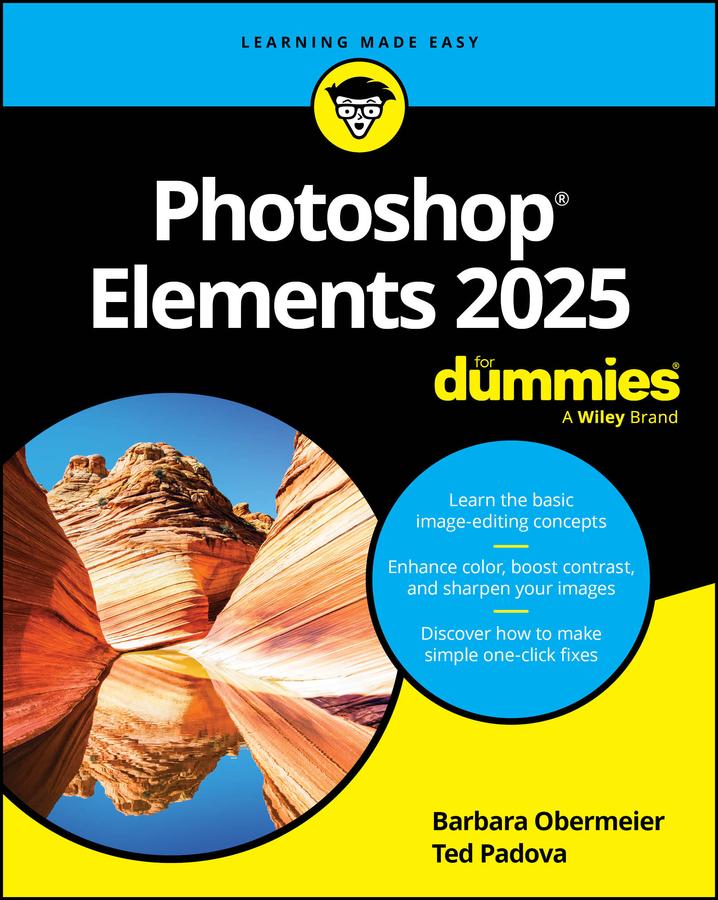
Ignite your creativity with Photoshop Elements
Introducing the latest edition of Photoshop Elements 2025 For Dummies, updated for the newest version of Adobe's affordable and beginner-friendly photo editing software. With this comprehensive guide at your fingertips, you'll unlock the potential of Elements, turning ordinary photos into extraordinary images. Packed with all the essential photo editing tools, this software empowers you to brush up snapshots, create like-worthy social media posts, and create artistic masterpieces. In this easy-to-understand guide, you'll find instructions on using editing tools, working with layers, making one-click fixes, brightening colors, adding filters, and beyond.
- Master the basics of Photoshop Elements and make basic edits in Quick Mode
- Learn advanced editing techniques such as background replacement, stylize type, apply blend modes, social meda sharing, and other creative tricks,
- Discover the latest AI features such as depth of field, change object color, and combine photos
- Utilize camera raw to transform your camera's image data into stunning photographs
Perfect for non-professional photographers and graphic designers new to Elements or looking for a refresh, this best-selling Dummies guide is your essential companion for getting started with Elements and learning insider tips to create images that “pop.”
Pay easily by card, Klarna, Apple Pay or Google Pay. Not happy? You always have a 14-day money-back guarantee. Read more in our terms. If you have any questions, email us at hello@memmo.org.
Memmo makes studying easier – wherever you are in the world. We bring your course books and smart study tools together in one place: summaries, quizzes, podcasts and flashcards. Plus Ted, your study buddy who answers anything you wonder. Over 50,000 students already study here – built to help you learn faster and stress less.