
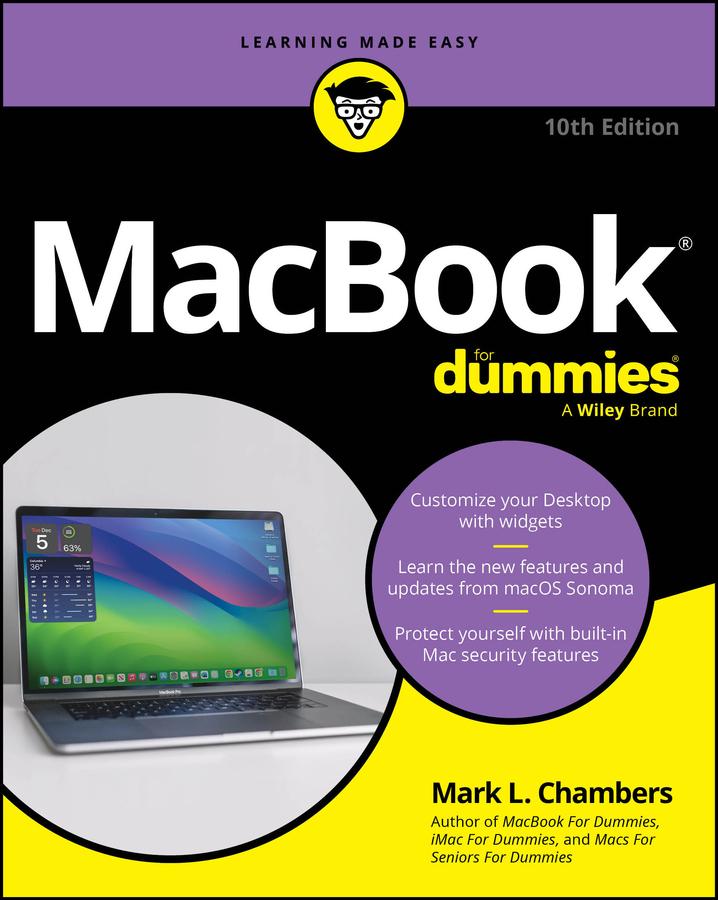
Discover the best tips and tricks for using your new Mac laptop
For years, MacBook For Dummies has been making it easy to learn new technology. This new edition keeps the easy-to-follow instructions coming. Learn the basics of customizing your Dock and using desktop widgets. Then, figure out how to go on the internet, stream music, send instant messages, and more. Expert author Mark Chambers will show you how to navigate the macOS operating system and personalize your MacBook to your liking. And you'll learn your way around features like Stage Manager, Continuity Camera, SharePlay, and Handoff. Is this your first new computer in a while? MacBook For Dummies gives you the rundown on how to exist without an internal DVD drive. Whether you're a newbie or a Mac veteran looking for insider tips, this is the quick start guide for you.
- Learn the features and productivity tools from macOS
- Stay protected by making the most of the built-in Mac security features
- Organize your life with Mac's multitasking feature, Stage Manager
- Discover how to stream music, edit videos, and share media content online
MacBook beginners and upgraders alike will graduate to power users of the MacBook Pro and MacBook Air models, thanks to this trusted Dummies title.
Pay easily by card, Klarna, Apple Pay or Google Pay. Not happy? You always have a 14-day money-back guarantee. Read more in our terms. If you have any questions, email us at hello@memmo.org.
Memmo makes studying easier – wherever you are in the world. We bring your course books and smart study tools together in one place: summaries, quizzes, podcasts and flashcards. Plus Ted, your study buddy who answers anything you wonder. Over 75,000 students already study here – built to help you learn faster and stress less.