
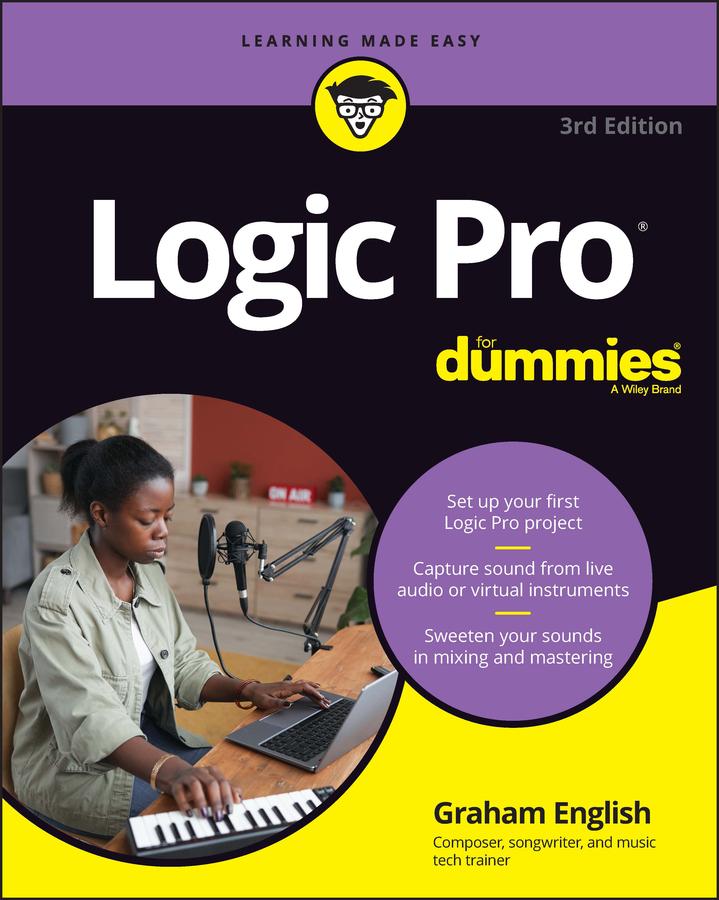
This one-stop source for Logic Pro insight helps you spend more time creating music
Every minute you spend trying to figure out how to set up a new track or build a drum loop is a minute you don’t spend creating and recording your music. This guide to the recording software favored by Mac users helps you bypass the time needed to search for tech answers and spend more time capturing sounds. Discover the full recording power of Logic Pro, starting with launching a project and recording your audio. Explore the built-in digital instruments and beat makers, augment your recording power with plug-ins, and finalize your song by editing, adding effects, mixing, mastering, and sharing. The final step is music stardom!
- Learn your way around the Logic Pro interface and understand the workflow
- Set up your project and add tracks and regions
- Record acoustic audio or conduct your orchestra of MIDI instruments
- Edit, mix, automate, export, and feel proud of your audio files
For beginning music creators and producers, this Dummies guide makes it simple to get started with Logic Pro.
Pay easily by card, Klarna, Apple Pay or Google Pay. Not happy? You always have a 14-day money-back guarantee. Read more in our terms. If you have any questions, email us at hello@memmo.org.
Memmo makes studying easier – wherever you are in the world. We bring your course books and smart study tools together in one place: summaries, quizzes, podcasts and flashcards. Plus Ted, your study buddy who answers anything you wonder. Over 50,000 students already study here – built to help you learn faster and stress less.