
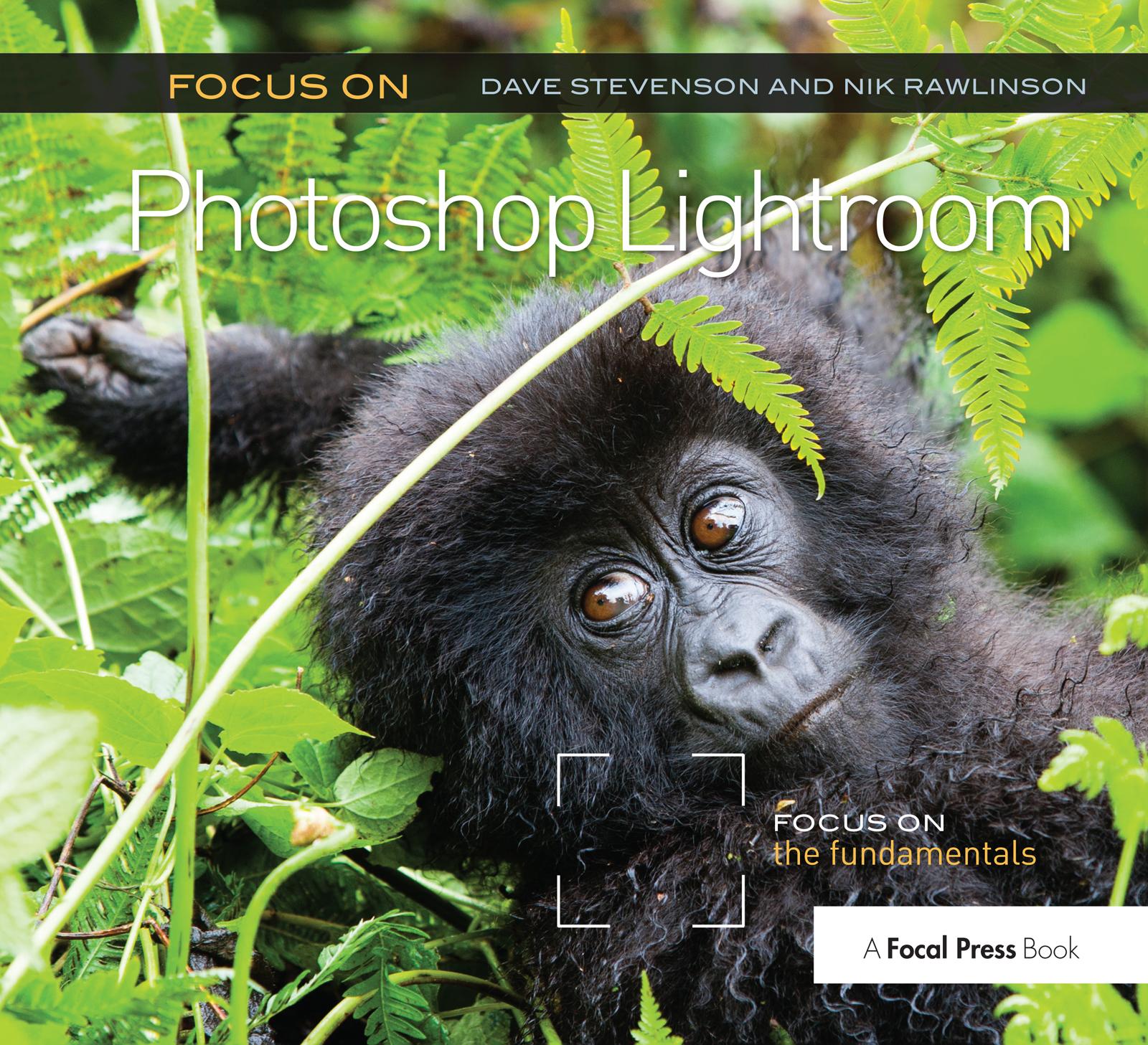
Compatible with all versions of Lightroom
Unsure where to start with Photoshop Lightroom? Feeling daunted by other 600 page monster user guides? Want to learn how to get the best out of your photography with the program in a snap?
Focus on Photoshop Lightroom teaches you how to stay organized by using Lightroom’s industry-standard keywording and captioning features, bring out the very best in your photography with the processing module, and how to create image presets that make polishing a series of images quick and easy. Expert photographers and Lightroom users Dave Stevenson and Nik Rawlinson lead you through the ins and outs of the program with easy-to-follow steps and projects to get your creative juices flowing!
- Discover time-saving features and shortcuts to navigate Lightroom’s deceptively simple interface.
- Learn how to use the different Lightroom modules: how to import, organize, and sort your photos, edit them, create a book, video clips, or a slideshow, and how to make a great print!
- Be inspired by gorgeous photography and editing tips and tricks.
Pay easily by card, Klarna, Apple Pay or Google Pay. Not happy? You always have a 14-day money-back guarantee. Read more in our terms. If you have any questions, email us at hello@memmo.org.
Memmo makes studying easier – wherever you are in the world. We bring your course books and smart study tools together in one place: summaries, quizzes, podcasts and flashcards. Plus Ted, your study buddy who answers anything you wonder. Over 50,000 students already study here – built to help you learn faster and stress less.