
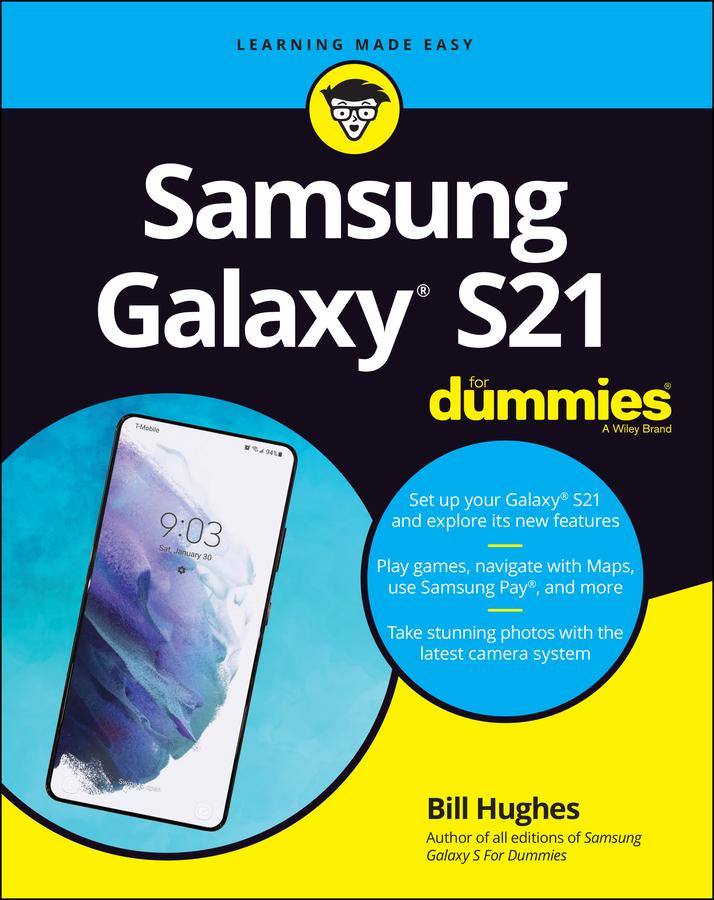
Feeling hamstrung by your new Samsung? Figure out how to navigate your new phone in no time
Your Samsung Galaxy comes packed with features you’ll use every day, and Samsung Galaxy S21 For Dummies is your guide to exploring them. What do you want to do first? Send a text or email? Take photos and videos? Make a basic call? Play games? Shop? This handy guide can help you do all that and so much more.
- Get an overview of the buttons, screens, and apps that are essential to operating your new phone
- Manage your contacts so you can stay connected with calls, emails, or texts
- Surf the web and find new games and apps in the Google Play Store
- Customize your phone with ringtones, wallpaper, and awesome accessories
- Watch videos and movies, shoot your own videos, and take photos
- Boost your productivity with calendar, GPS, and productivity apps
- Secure your Samsung Galaxy with your face ID, thumbprint, and Screen Lock
Not only does Samsung Galaxy S21 For Dummies describe features and walk you through steps to use your new phone, it also shows you what the screens look like and where to tap to make things happen. It’s like having a Samsung expert at your elbow. So pick up your copy today to make the most of your Samsung smartphone.
Pay easily by card, Klarna, Apple Pay or Google Pay. Not happy? You always have a 14-day money-back guarantee. Read more in our terms. If you have any questions, email us at hello@memmo.org.
Memmo makes studying easier – wherever you are in the world. We bring your course books and smart study tools together in one place: summaries, quizzes, podcasts and flashcards. Plus Ted, your study buddy who answers anything you wonder. Over 75,000 students already study here – built to help you learn faster and stress less.