
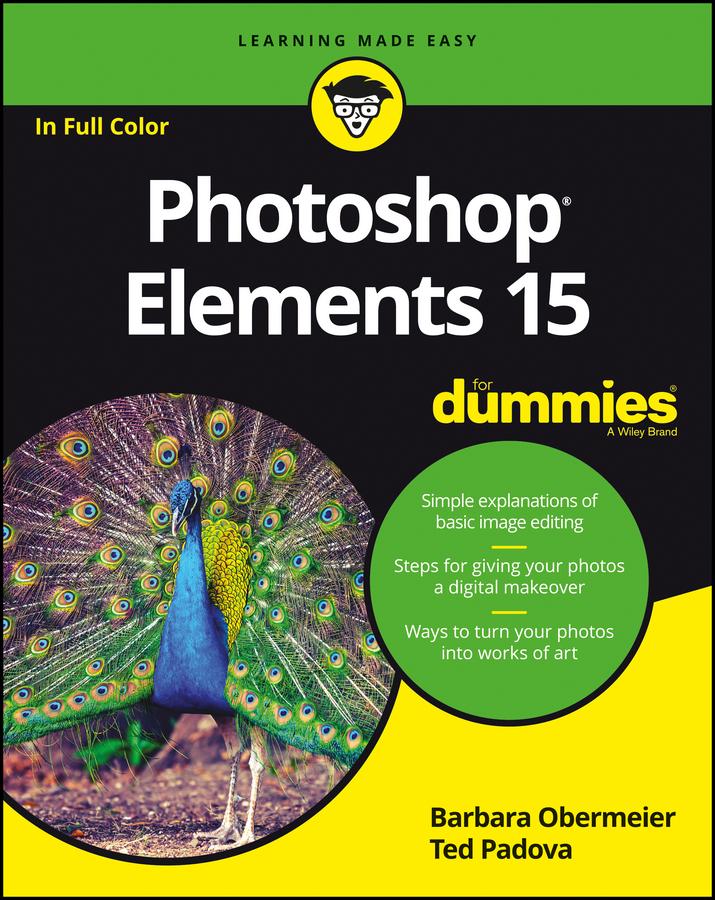
No matter if you're a photo-editing newbie or an old hat looking for new tricks, Photoshop Elements 15 For Dummies offers photographers of all skill levels the power to turn run-of-the-mill digital pictures into beautiful photographs. Covering the latest version of this popular software, this up-to-date guide quickly shows you how to organize images for editing, adjust color and focus, apply artsy filters, add text to an image—and beyond.
There's a reason Photoshop Elements 15 For Dummies is the best place to start learning Elements—it gets you up and running with this image-editing software faster than you can say 'cheese!' Get ready to explore your inner artist and add pizzazz to even the most ordinary pics with the professional tools in Photoshop Elements 15!
- Find simple explanations of how to handle basic image editing
- Get steps for giving your photos a digital makeover
- Create layers in your images
- Discover one-click instant fixes when you hit roadblocks
The power and simplicity of Photoshop Elements makes it easy to produce photos worth bragging about—and this no-nonsense guide will get you there in a flash.
Pay easily by card, Klarna, Apple Pay or Google Pay. Not happy? You always have a 14-day money-back guarantee. Read more in our terms. If you have any questions, email us at hello@memmo.org.
Memmo makes studying easier – wherever you are in the world. We bring your course books and smart study tools together in one place: summaries, quizzes, podcasts and flashcards. Plus Ted, your study buddy who answers anything you wonder. Over 50,000 students already study here – built to help you learn faster and stress less.