
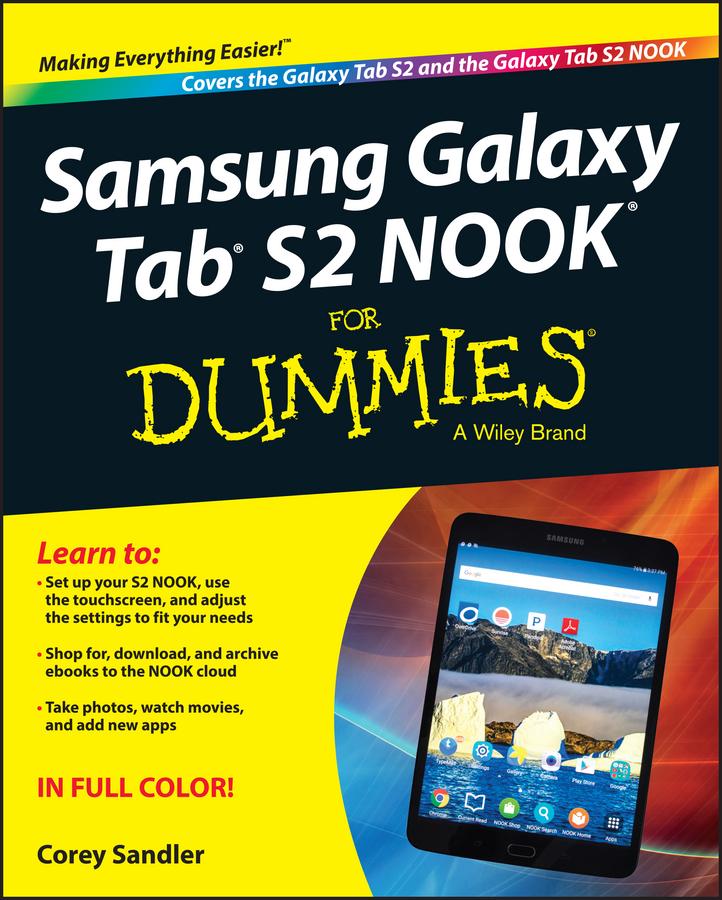
Have a new Samsung Galaxy Tab S2 NOOK, but don't know where to start? Samsung Galaxy Tab S2 NOOK For Dummies is your go-to guide to get up and running with this great device in no time! From powering on your device to personalizing it, this easy-to-use resource provides everything you'll need to know to start using your Samsung Galaxy Tab S2 NOOK. You'll start with the basics, download and shop for books, browse the Web, watch video, listen to music, create your own books, and a whole lot more!
Combine the power a Samsung Android tablet with the Barnes and Noble NOOK apps, and you have access to everything you need! Find out how to adjust the lighting, change font sizes, and customize your device to be the perfect e-reader that fits all your needs.
- Get an overview of the Android tablet/book hybrid concept, along with a guide to everything your new device can do
- Find out how to power up your tablet, use the touchscreen technology, setup wireless access, update your software, download books, and more
- Watch video from Netflix and Hulu, listen to music, create photo slideshows, and browse the Web
- Personalize your NOOK with accessories and applications, share books with others, and interact with your device with the built-in microphone
For those who want to learn the ins and outs of their new multi-use tablet and e-reader, Samsung Galaxy Tab S2 NOOK For Dummies is the place to start!
Pay easily by card, Klarna, Apple Pay or Google Pay. Not happy? You always have a 14-day money-back guarantee. Read more in our terms. If you have any questions, email us at hello@memmo.org.
Memmo makes studying easier – wherever you are in the world. We bring your course books and smart study tools together in one place: summaries, quizzes, podcasts and flashcards. Plus Ted, your study buddy who answers anything you wonder. Over 75,000 students already study here – built to help you learn faster and stress less.