
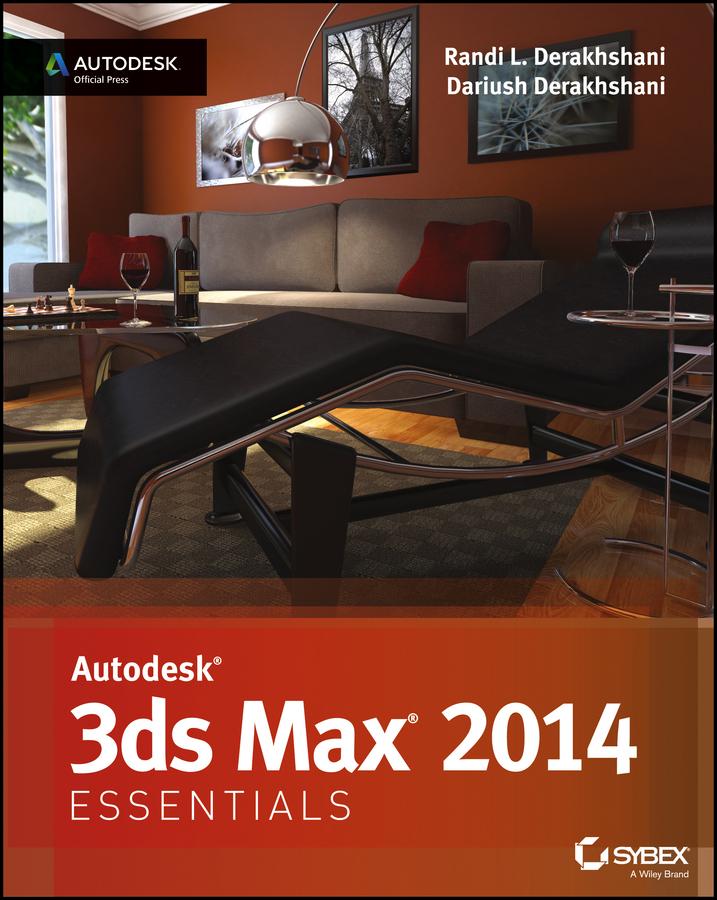
Great guide to the fundamentals of Autodesk 3ds Max 2014
This Autodesk Official Press guide is just what you need to learn the basics of Autodesk 3ds Max 2014 quickly and easily. Through a series of cool projects like designing an alarm clock, animating a thrown knife, or lighting a scene, you'll learn the essentials of modeling, rigging, animating, and rendering using the popular Autodesk 3ds Max 3D animation and effects software. It's a practical, hands-on approach allowing you to constantly reinforcing skills as you learn them.
Downloadable before-and-after project files let you to compare your work to that of 3ds Max professionals. Even if you already have experience with 3ds Max, this book is a great reference for renewing your skills. And, it will help all users review and prepare for the Autodesk 3ds Max 2014 certification exams.
- Helps beginners and those migrating from other 3D animation and effects programs get up and running on Autodesk 3ds Max 2014
- Features a realistic, task-based approach, so readers learn via a series of hands-on projects using downloadable files, all backed with ample instruction, explanation, and illustration
- Covers modeling, rigging, animating, rendering, skinning, architectural visualization, and more
- Written by Autodesk Authorized Authors and is an Autodesk Official Press book
Get firsthand experience with 3ds Max, as well as a good start on preparing for the Autodesk 3ds Max 2014 Certified Professional exam, with Autodesk 3ds Max 2014 Essentials.
Pay easily by card, Klarna, Apple Pay or Google Pay. Not happy? You always have a 14-day money-back guarantee. Read more in our terms. If you have any questions, email us at hello@memmo.org.
Memmo makes studying easier – wherever you are in the world. We bring your course books and smart study tools together in one place: summaries, quizzes, podcasts and flashcards. Plus Ted, your study buddy who answers anything you wonder. Over 50,000 students already study here – built to help you learn faster and stress less.