
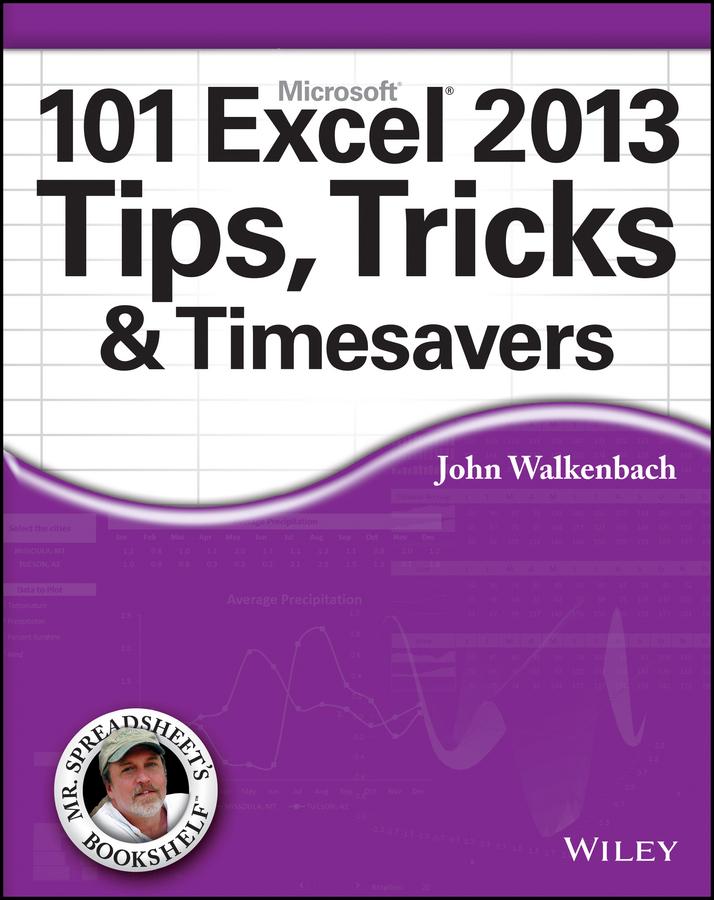
Get the most out of Excel 2013 with this exceptional advice from Mr. Spreadsheet himself!
Excel 2013 is excellent, but there's lots to learn to truly excel at Excel! In this latest addition to his popular Mr. Spreadsheet's Bookshelf series, John Walkenbach, aka "Mr. Spreadsheet," shares new and exciting ways to accomplish and master all of your spreadsheet tasks. From taming the Ribbon bar to testing and tables, creating custom functions, and overcoming "impossible" charts, mixing nesting limits, and more, 101 Excel 2013 Tips, Tricks, & Timesavers will save you time and help you avoid common spreadsheet stumbling blocks.
- Reveals ways to maximize the power of Excel to create robust applications
- Draws on John Walkenbach's years of experience using Excel and writing more than 50 books
- Shares tips and tricks for dealing with function arguments, creating add-ins, using UserForms, working with dynamic chart data, and changing data entry orientation
- Provides shortcuts and helpful techniques for sorting more than three columns, entering fake data for testing purposes, and setting up powerful pivot tables
101 Excel 2013 Tips, Tricks, & Timesavers is packed with information that you need to know in order to confidently and seamlessly master the challenges that come with using Excel!
Pay easily by card, Klarna, Apple Pay or Google Pay. Not happy? You always have a 14-day money-back guarantee. Read more in our terms. If you have any questions, email us at hello@memmo.org.
Memmo makes studying easier – wherever you are in the world. We bring your course books and smart study tools together in one place: summaries, quizzes, podcasts and flashcards. Plus Ted, your study buddy who answers anything you wonder. Over 75,000 students already study here – built to help you learn faster and stress less.