
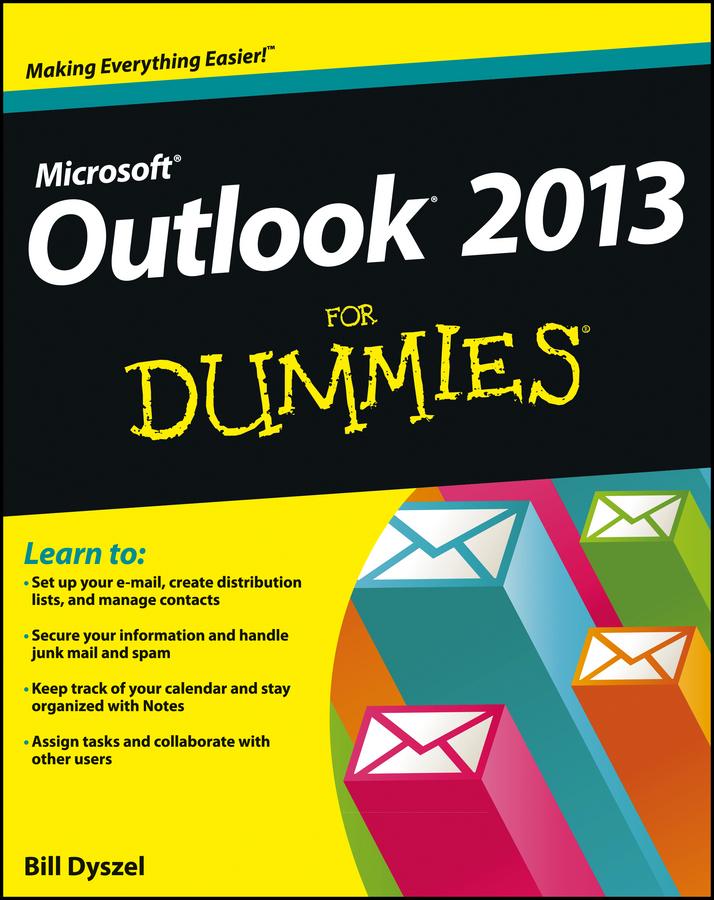
The fun and friendly way to manage your busy life with the new Outlook 2013
As the number one e-mail client and personal information manager, Microsoft Outlook offers a set of uncomplicated features that maximize the management of your e-mail, schedule, and general daily activities, with the least amount of hassle possible. This easy-to-understand guide walks you through Outlook 2013 and introduces you to the latest features. You'll learn how to find information quickly, handle e-mail, coordinate schedules, keep current with contacts and social networks, and much more.
- Walks you through getting started with Outlook 2013 and then provides you with complete coverage on e-mail basics, advanced e-mail features, working with the calendar, managing contacts, and integrating Outlook with other applications
- Shows you how to track tasks, take notes, and record items in the journal, as well as filter out junk e-mail, activate Outlook's privacy and security features, and more
- Explains how to customize your Outlook, manage all the information within Outlook, and take Outlook on the road
Outlook 2013 For Dummies offers you a whole new outlook on Outlook 2013!
Pay easily by card, Klarna, Apple Pay or Google Pay. Not happy? You always have a 14-day money-back guarantee. Read more in our terms. If you have any questions, email us at hello@memmo.org.
Memmo makes studying easier – wherever you are in the world. We bring your course books and smart study tools together in one place: summaries, quizzes, podcasts and flashcards. Plus Ted, your study buddy who answers anything you wonder. Over 75,000 students already study here – built to help you learn faster and stress less.