
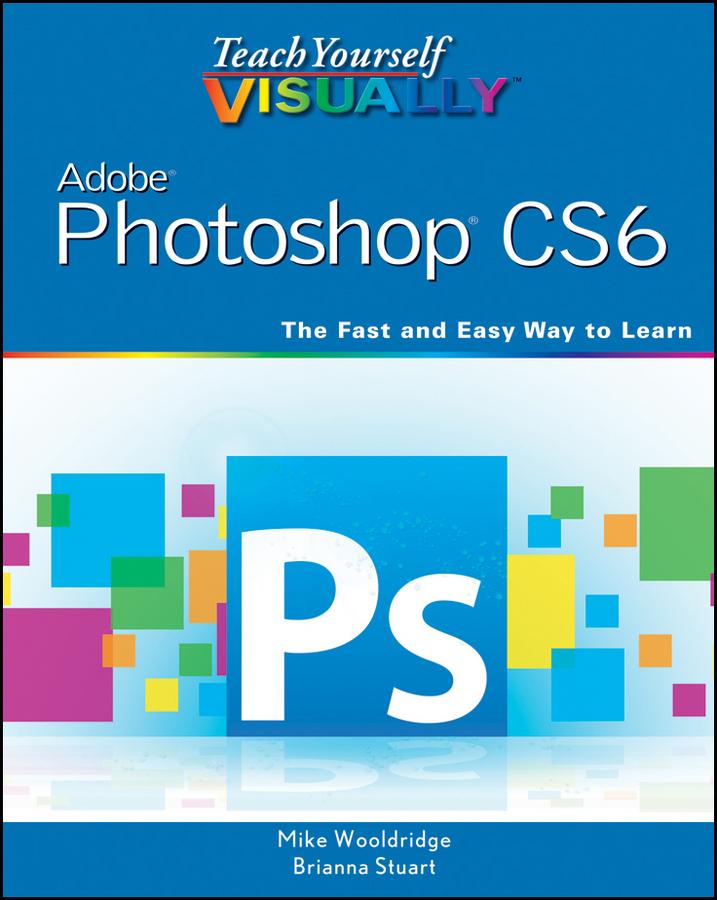
Gets visual learners up to speed on the newest enhancements in Photoshop
Photoshop is constantly evolving, and the newest version offers great new tools for photographers. This popular guide gets visual learners up to speed quickly; previous editions have sold more than 150,000 copies. With colorful screen shots illustrating the step-by-step instructions, this book is perfect for Photoshop newcomers and for visual learners who are upgrading from an earlier version. It covers setting up the software, importing images from the camera, using all the tools, creating an online gallery, and more.
- Covers the most important features of Photoshop CS6, including importing photos from a digital camera, retouching and repairing damaged photos, enhancing digital images, and adding custom 3-D effects
- Explains how to edit images for the web, create an online photo gallery, and incorporate graphics into desktop publishing programs
- Explores color management, using palettes, compositing, using layers, applying gradients, setting type, and working with filters
- Features step-by-step instructions and full-color illustrations designed for those who learn best when they see how things are done
Teach Yourself VISUALLY Photoshop CS6 gets visual learners ready to take advantage of everything the newest version has to offer.
Pay easily by card, Klarna, Apple Pay or Google Pay. Not happy? You always have a 14-day money-back guarantee. Read more in our terms. If you have any questions, email us at hello@memmo.org.
Memmo makes studying easier – wherever you are in the world. We bring your course books and smart study tools together in one place: summaries, quizzes, podcasts and flashcards. Plus Ted, your study buddy who answers anything you wonder. Over 50,000 students already study here – built to help you learn faster and stress less.