
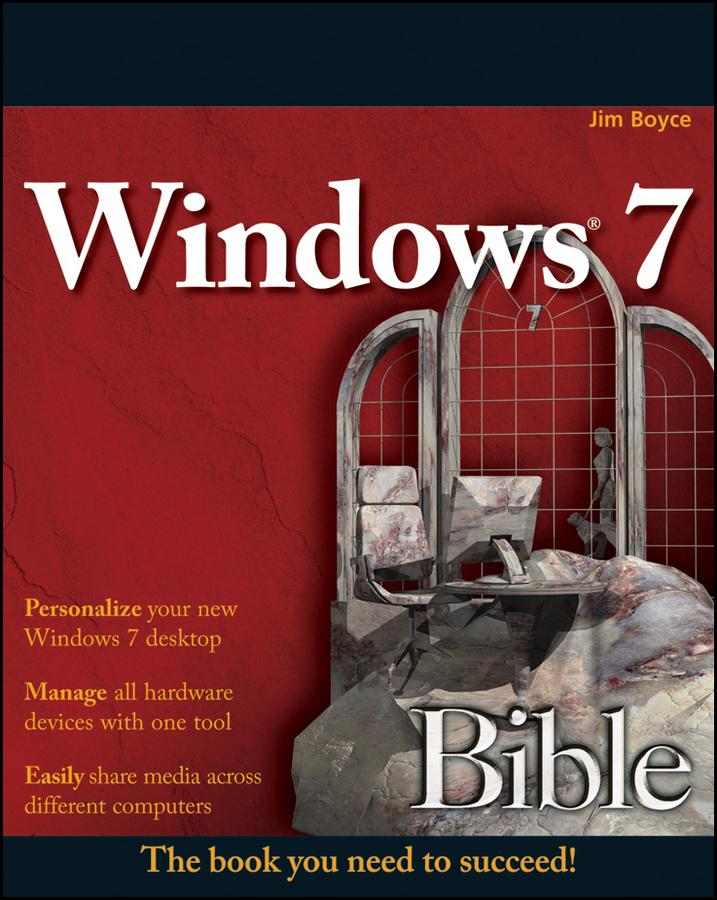
The much-anticipated release of Windows 7 will have numerous changes, and you'll need a complete guide to take full advantage of all it has to offer. Windows 7 Bible covers navigation changes such as pinning to the task bar, full screen preview with invisible windows, Jump Lists, Home Group, Sticky Notes, and many others. It shows you how to use Internet Explorer 8, including features like Web Slices and Network view changes, and guides you through all the new desktop features.
This reference thoroughly examines all three parts of the new platform: Windows 7 Core OS, the Windows Live applications, and Windows Live Services. Windows 7 Bible shows you everything you need to know to make the most of Microsoft's new operating system.
- Covers Windows Live Essentials, including Windows Live Family Safety, Mail, Messenger, Movie Maker, Photo Gallery, Toolbar, Writer, and Microsoft Office Outlook Connector
- Shows how to use Windows Live Services, including Hotmail and Spaces
- Explores new features including Desktop Gadgets Gallery, Desktop Windows manager, updated Fax and DVD Maker, an updated "Devices and Printers" option, and Sticky Notes
- Explains new features in the Calculator, ribbon features in applets such as Paint and WordPad, the new Media Center, and searching updates
- Fully covers the first complete overhaul of applets in a decade
With Windows 7 Bible at your side, you can learn as much or as little as you need to know for the way you use Windows.
Pay easily by card, Klarna, Apple Pay or Google Pay. Not happy? You always have a 14-day money-back guarantee. Read more in our terms. If you have any questions, email us at hello@memmo.org.
Memmo makes studying easier – wherever you are in the world. We bring your course books and smart study tools together in one place: summaries, quizzes, podcasts and flashcards. Plus Ted, your study buddy who answers anything you wonder. Over 75,000 students already study here – built to help you learn faster and stress less.