
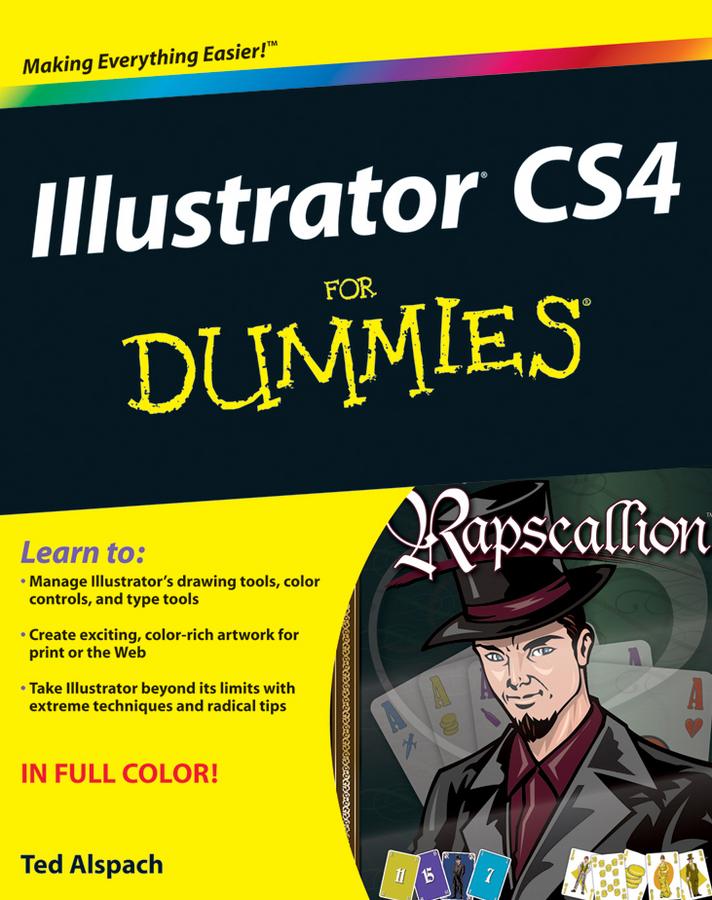
This full-color guide gives you the scoop on the newest tools, tips on color control and path editing, ways to organize graphics, and how to get your work into print or on the Web. You’ve heard Illustrator is a bit complicated? That’s why you need this friendly For Dummies book! It shows you how to:
- Manage Illustrator CS4’s many tools, commands, and palettes
- Decide when to choose RGB over CMYK and how to get perfect color when printing
- Compare path and pixel documents, adjust points on a path, and learn to use the versatile Pen and Pencil tools
- Use the Character and Paragraph palettes and get creative with type on a path
- Work in pixel preview mode, create Web-specific vector graphics, and use Flash with Illustrator
- Set up your pages for printing and work with separations, or save files in Web-friendly formats
- Create basic shapes, straight lines, and precise curves, then bring it all together into eye-popping artwork
- Organize with the Layers palette, tweak color, and make the most of styles and effects
- Use Illustrator together with other elements of the Adobe Creative Suite
With plain-English instructions and colorful examples of what you can achieve, Illustrator CS4 For Dummies will make you an Illustrator pro in no time.
Pay easily by card, Klarna, Apple Pay or Google Pay. Not happy? You always have a 14-day money-back guarantee. Read more in our terms. If you have any questions, email us at hello@memmo.org.
Memmo makes studying easier – wherever you are in the world. We bring your course books and smart study tools together in one place: summaries, quizzes, podcasts and flashcards. Plus Ted, your study buddy who answers anything you wonder. Over 50,000 students already study here – built to help you learn faster and stress less.