
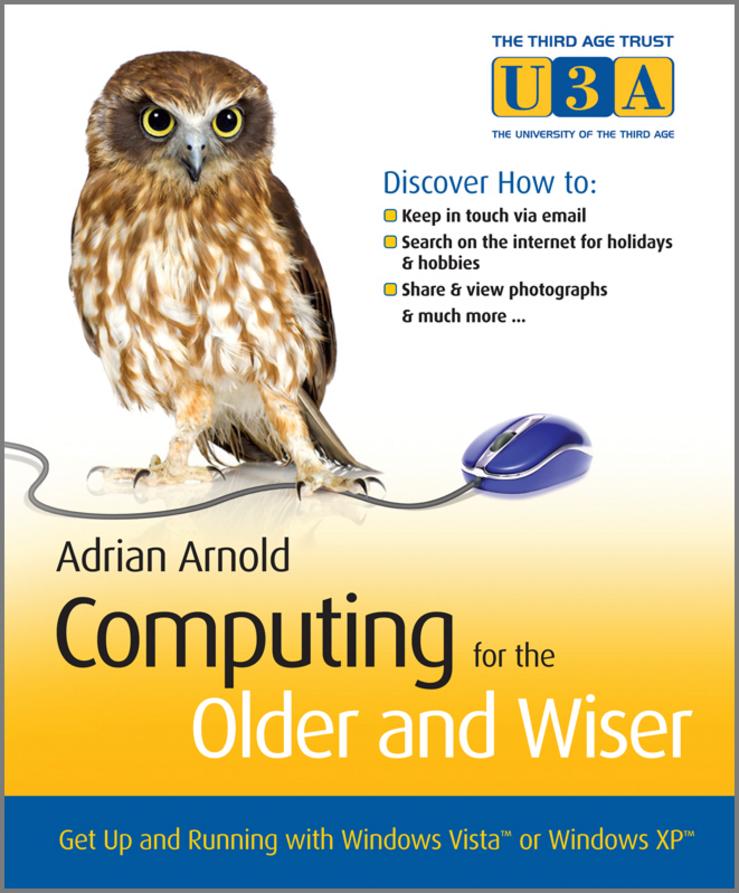
Written in plain English, using no unintelligible 'computer speak' Adrian guides you step-by-step through the basics of computing including chapters on:
- Use of the keyboard and mouse
- Email and the Internet
- Customising your desktop
- Word processing
- Digital photography
- Useful websites
- and much more
Useful tips and tricks and a question and answer revision section in each chapter will build your confidence, get you up-to-date and technologically savvy in no time!
If you want to learn how to search and shop online, email or chat to family and friends, and you have the enthusiasm to learn a new skill then this book is for you.
- With explanatory screenshots in full colour
- Easy to read font
- Supplementary website - including additional exercises to help improve your PC skills, further online hints and tips, and a directory of useful resources. www.pcwisdom.co.uk
"Computing for the Older & Wiser will take readers comfortably through getting started on their home PC. The content is similar to what we would take our clients through if they were to attend a class, which is exactly the right level."
—Faye Lester, Computer Training Coordinator, Age Concern Camden, UK
"I have not had so much fun for years"
—Renee Moore, 79, pupil at Age Concern, Colchester, UK
Pay easily by card, Klarna, Apple Pay or Google Pay. Not happy? You always have a 14-day money-back guarantee. Read more in our terms. If you have any questions, email us at hello@memmo.org.
Memmo makes studying easier – wherever you are in the world. We bring your course books and smart study tools together in one place: summaries, quizzes, podcasts and flashcards. Plus Ted, your study buddy who answers anything you wonder. Over 75,000 students already study here – built to help you learn faster and stress less.