
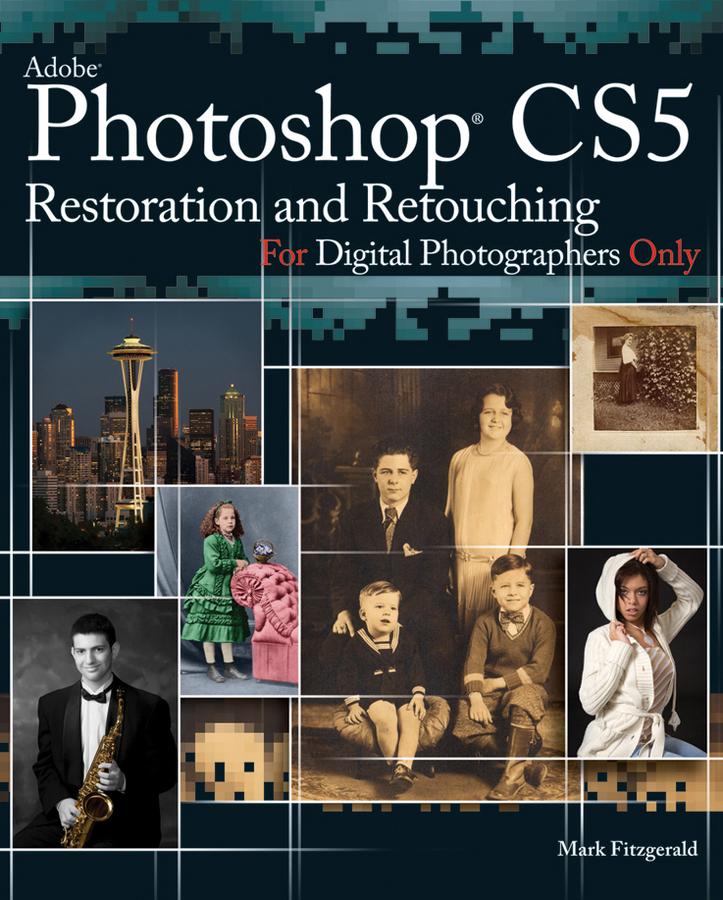
Follow Adobe Certified Photoshop Expert Mark Fitzgerald as he guides you through the restoration and retouching workflows. Begin by learning about basic concepts, such as proper tonal and color adjustment, selections, and masking. Then learn to master Photoshop’s retouching tools, like the Healing Brush, Patch Tool, and Clone Stamp. After you build a solid foundation, you’ll see how these tools and techniques come together to solve a wide range of restoration and retouching problems; from repairing a damaged print to removing braces and repairing glass glares.
Explore the tools and techniques with step-by-step expert instructions for downloadable practice files. Experience the total workflow as you complete three projects along side Mark from start to finish: a restoration project, a portrait retouching project, and an architectural retouching project.
This book is an update to Mark Fitzgerald’s popular book, Adobe Photoshop CS3 Restoration and Retouching Bible.
Pay easily by card, Klarna, Apple Pay or Google Pay. Not happy? You always have a 14-day money-back guarantee. Read more in our terms. If you have any questions, email us at hello@memmo.org.
Memmo makes studying easier – wherever you are in the world. We bring your course books and smart study tools together in one place: summaries, quizzes, podcasts and flashcards. Plus Ted, your study buddy who answers anything you wonder. Over 50,000 students already study here – built to help you learn faster and stress less.