
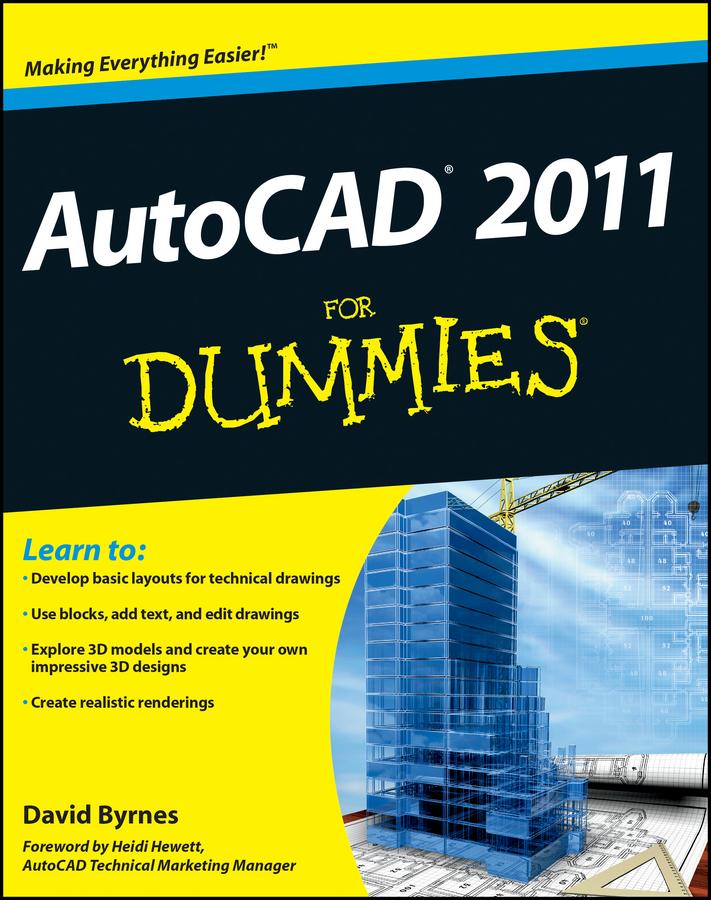
If you're just learning AutoCAD, this friendly, For Dummies guide is perfect for you. You’ll get up to speed on all the basics and start creating 2D and 3D technical drawings sooner than you might imagine. Learn how to create a basic drawing, use AutoCAD Design Center, edit your drawings, work with dimensions, add text, and much more. The book is straightforward, easy to follow, and includes practical tips and notes that demystify this complex software even further.
- Gets you quickly up to speed on AutoCAD "X," the leading technical drawing software from Autodesk
- Covers how to create a basic drawing, use AutoCAD Design Center, edit your drawings, use blocks, work with dimensions, add text, and draw on the Internet
- Includes updates on the latest features in AutoCAD “X” focusing on those that matter most to beginners
- Uses the popular For Dummies approach, which breaks down this intimidating topic into helpful, practical advice and how-tos for real people
AutoCAD "X" For Dummies is what you need to get up to speed and start designing with this market-leading software!
Pay easily by card, Klarna, Apple Pay or Google Pay. Not happy? You always have a 14-day money-back guarantee. Read more in our terms. If you have any questions, email us at hello@memmo.org.
Memmo makes studying easier – wherever you are in the world. We bring your course books and smart study tools together in one place: summaries, quizzes, podcasts and flashcards. Plus Ted, your study buddy who answers anything you wonder. Over 50,000 students already study here – built to help you learn faster and stress less.