
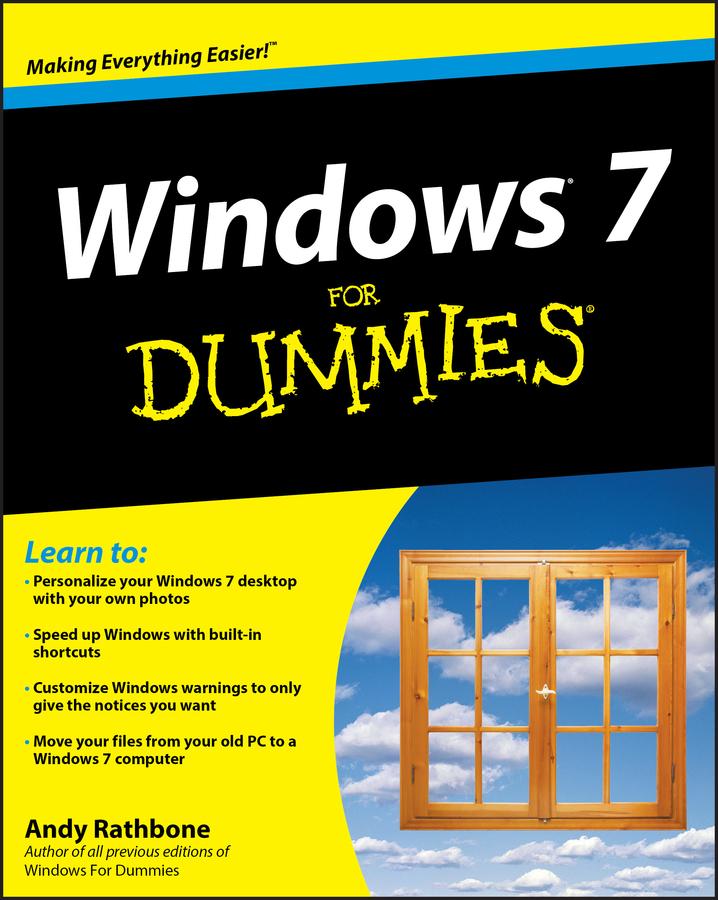
The perfect plain-English guide to the much-anticipated release of Windows 7
Whether you're new to computers or just eager to start using the newest version of Windows, Windows For Dummies, Enhanced Edition answers all your questions about the changes and new tools in Windows 7, enhanced with detailed video tutorials. Windows expert Andy Rathbone walks you step by step through the most common Windows 7 tasks, including managing files, applications, media, and Internet access. You’ll learn how to navigate the interface, customize the desktop, and work with the file system. You’ll then go deeper into the system, discovering new features and improvements, and finding tips and techniques for getting the most out of Windows 7.
- Covers basic management of applications, files, and data; creating and printing documents; setting up an Internet connection and e-mail account; and online security
- Includes specially produced videos explaining features and illustrating techniques in greater depth
- Explores using Windows to edit and manage audio, video, and photo files, and how to create CDs, DVDs, and playlists with Media Center
- Helps you tweak and customize Windows 7 to operate your way and set up user accounts, build a home network, and maintain your PC
- Provides troubleshooting advice, helps you find missing files and use the Help system, and explains common error messages
Windows 7 For Dummies, Enhanced Edition will have you up and running on the newest version of Windows quickly and easily.
Pay easily by card, Klarna, Apple Pay or Google Pay. Not happy? You always have a 14-day money-back guarantee. Read more in our terms. If you have any questions, email us at hello@memmo.org.
Memmo makes studying easier – wherever you are in the world. We bring your course books and smart study tools together in one place: summaries, quizzes, podcasts and flashcards. Plus Ted, your study buddy who answers anything you wonder. Over 75,000 students already study here – built to help you learn faster and stress less.