
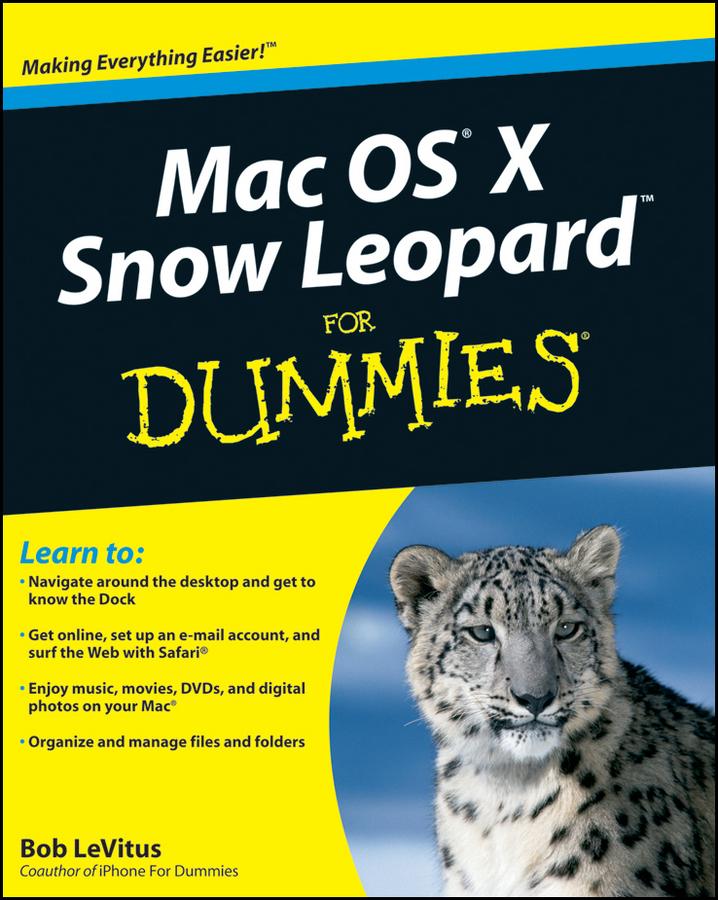
From starting up your Mac to setting up a network and keeping in touch via iChat AV, Mac OS X Snow Leopard For Dummies gives you the scoop on the new features and improvements that help you do more work in less time.
- Learn when to shut down your Mac and when not to, how to secure it, and how to back it up with Time Machine
- Organize your life with iCal and your stuff with files and folders, and be able to find what you’re looking for
- Set up your Internet connection and e-mail, manage spam, surf with Safari, and start iChatting
- Download and organize songs, podcasts, and movies with iTunes and plan a playlist with Genius
- Create documents with TextEdit, print them, fax then, and make PDFs
- Set up a network and share files, printers, and Internet connections
- Find out about operating system updates, firewalls, troubleshooting, and other ways to keep your Mac safe, healthy, and happy
Technology columnist Bob LeVitus has been a Mac guru for nearly two decades. Mac OS X Snow Leopard For Dummies provides just what you need to get up and running with Snow Leopard.
Pay easily by card, Klarna, Apple Pay or Google Pay. Not happy? You always have a 14-day money-back guarantee. Read more in our terms. If you have any questions, email us at hello@memmo.org.
Memmo makes studying easier – wherever you are in the world. We bring your course books and smart study tools together in one place: summaries, quizzes, podcasts and flashcards. Plus Ted, your study buddy who answers anything you wonder. Over 75,000 students already study here – built to help you learn faster and stress less.