
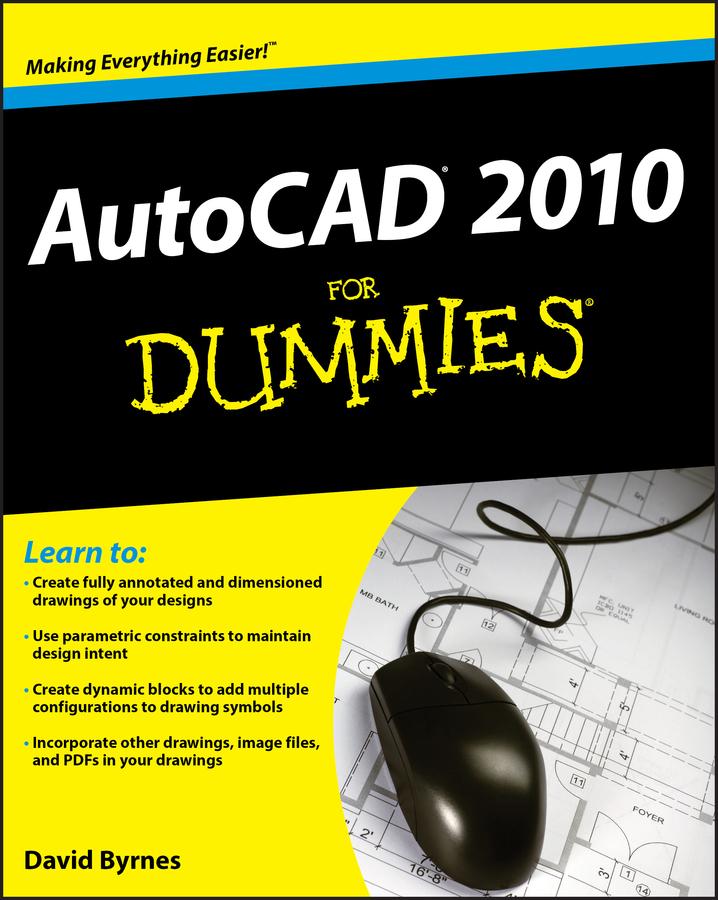
AutoCAD 2010 for Dummies helps you navigate the program, use the AutoCAD Design Center, create a basic layout and work with dimension, and put your drawings on the Internet. You’ll soon be setting up the AutoCAD environment, using the AutoCAD Ribbon, creating annotation and dimension drawings, exploring 3D models, and cruising comfortably through AutoCAD 2010.
- Understand object selection and learn all about commanding and selecting, one-by-one selection, and perfecting selecting
- Use the AutoCAD tool kit and learn to copy between drawings, manipulate images, and polish your properties
- Turn on your annotative objects and say more in multiline text
- Understand the anatomy of a dimension, then draw and edit your own
- Get up to speed on how to create block definitions, insert blocks, and more
- Discover techniques for setting up a layout in paper space
- Push the boundary of hatch and define hatch objects
- Learn to design in Web format and draw on the Internet
With AutoCAD, the only limits are your imagination. AutoCAD 2010 for Dummies prepares you to use this powerful software to design and document your ideas in 2D and 3D.
Pay easily by card, Klarna, Apple Pay or Google Pay. Not happy? You always have a 14-day money-back guarantee. Read more in our terms. If you have any questions, email us at hello@memmo.org.
Memmo makes studying easier – wherever you are in the world. We bring your course books and smart study tools together in one place: summaries, quizzes, podcasts and flashcards. Plus Ted, your study buddy who answers anything you wonder. Over 50,000 students already study here – built to help you learn faster and stress less.