
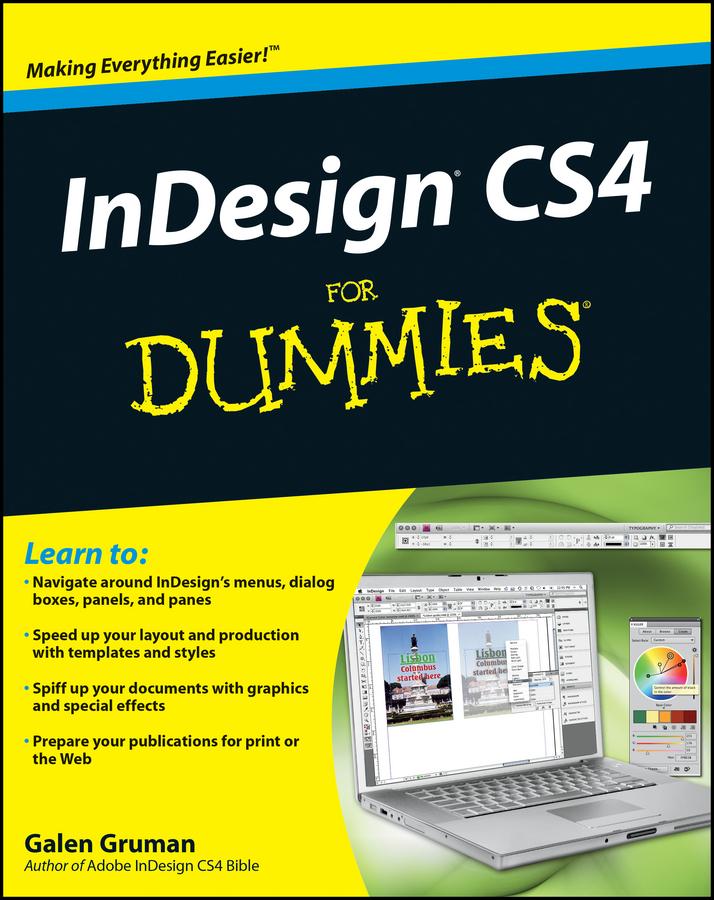
Whether you’re an experienced designer or just want to create a cool newsletter for the school soccer team, you’ll benefit from Galen Gruman’s guidance. This desktop publishing expert shows you how to navigate InDesign menus, dialog boxes, panels, and panes; streamline your work with templates; prepare your creations for printing or online publication, and more.
- Explore the new tools, work with the application frame, and set preferences for the way you work
- Learn to open and save documents and export content
- Get familiar with the Pages panel, apply Master Pages, and work with Layers
- Make the most of color with color libraries, multi-ink colors, spot versus process color, and gradients
- Create layout guidelines and use color swatches for consistency
- Streamline text formatting by using styles and treat text as a graphic element
- Design for the Web with hyperlinks, multimedia elements, and Flash files
- See how InDesign CS4 works seamlessly with other applications in the Adobe Creative Suite
- Discover why good design is part science and part art and learn to manipulate, organize, and align design objects
- Take advantage of tips for cropping and positioning graphics
- Prepare for printing or other output with enhanced preflighting tools
InDesign CS4 For Dummies also offers great advice for designing pages that do their job perfectly. Start creating today!
Pay easily by card, Klarna, Apple Pay or Google Pay. Not happy? You always have a 14-day money-back guarantee. Read more in our terms. If you have any questions, email us at hello@memmo.org.
Memmo makes studying easier – wherever you are in the world. We bring your course books and smart study tools together in one place: summaries, quizzes, podcasts and flashcards. Plus Ted, your study buddy who answers anything you wonder. Over 50,000 students already study here – built to help you learn faster and stress less.