
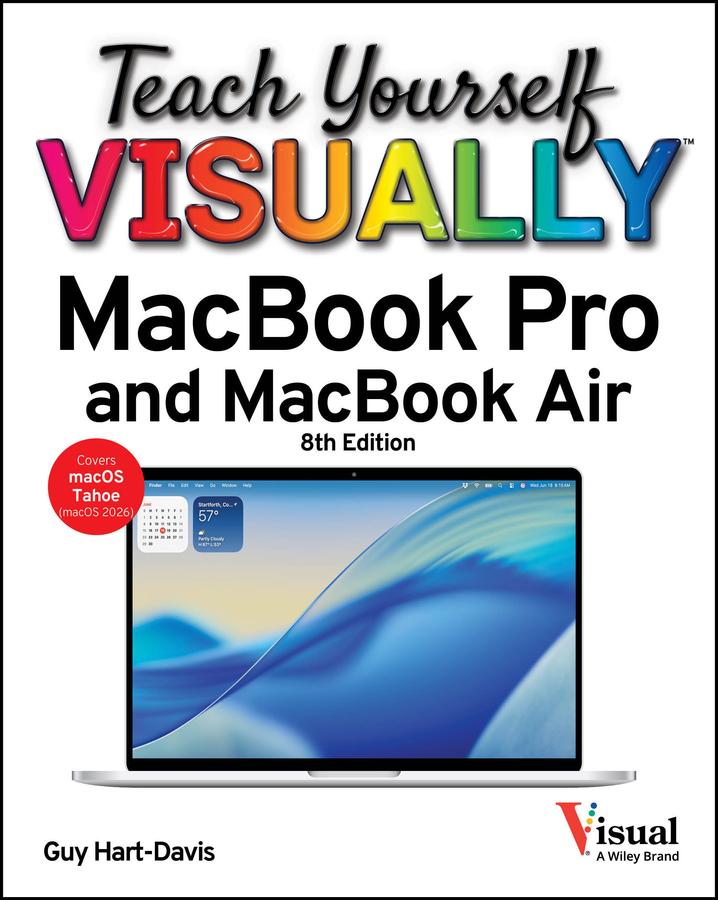
The visual learner's guide to getting up and running with your Apple laptop
Teach Yourself VISUALLY MacBook Pro and MacBook Air covers all the vital information you need to start working on your MacBook. With this highly illustrated and easy-to-follow guide, you'll learn to navigate the macOS interface like a pro, customize your desktop with the widgets you need, and get your MacBook working with iCloud, your iPhone, and your iPad. This book's graphical, step-by-step instructions walk you through everything from installation to troubleshooting, helping you to get the most out of the investment you've made in your MacBook.
This fully updated edition helps you become a power user of the latest MacBook models and exploit the features in macOS Tahoe, Apple's state-of-the-art operating system, and the apps that come with it. If you prefer to learn visually, this is the book you need.
Discover how to:
- Perform everyday tasks quickly and easily
- Customize settings to make macOS and its apps work the way you prefer
- Communicate via audio and video with FaceTime, via instant messaging with Messages, and via email with Mail
- Organize your life with Calendar, Contacts, Reminders, Notes, and Maps
- Make the most of your iCloud account
Instead of confusing tech-speak and vague instructions, this guide is packed with screenshots, easy-to-follow instructions, and a practical sensibility. Grab Teach Yourself VISUALLY MacBook Pro and MacBook Air and explore all that your MacBook can do.
Betala smidigt med kort, Klarna, Apple Pay eller Google Pay. Är du inte nöjd har du alltid 14 dagars ångerrätt. Läs mer i våra villkor. Har du några frågor, mejla oss på hello@memmo.org.
Memmo gör det enklare att plugga – var du än är i världen. Hos oss samlar du kursböcker och smarta studieverktyg på ett och samma ställe: sammanfattningar, quiz, poddar och flashcards. Och så Ted, din studiekompis som svarar på allt du undrar. Över 50 000 studenter pluggar redan här – byggt för att du ska lära dig snabbare och stressa mindre.