
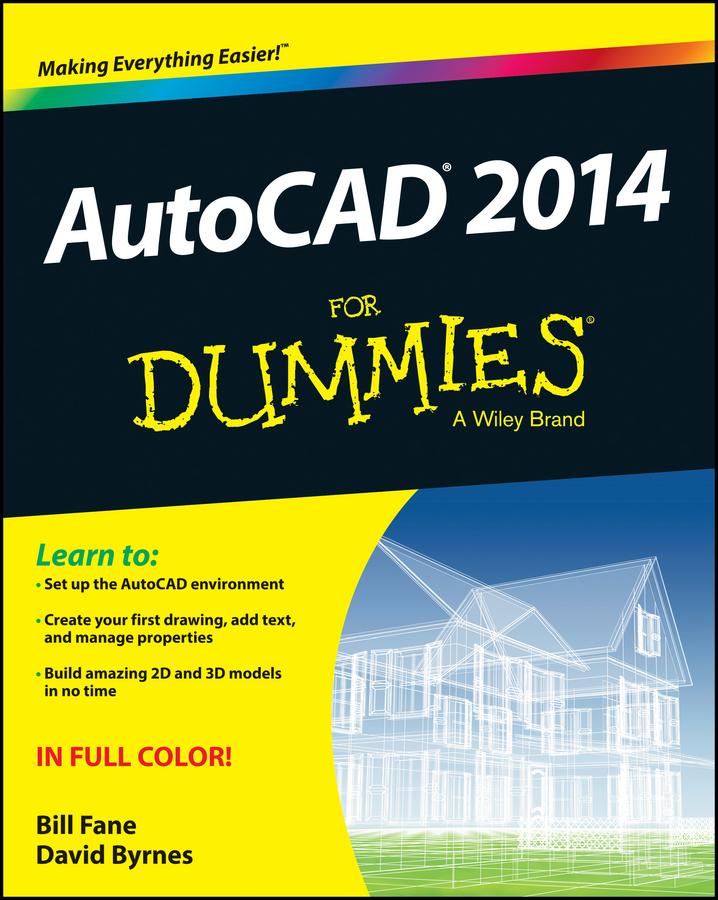
Find your way around AutoCAD 2014 with this full-color, For Dummies guide!
Put away that pencil and paper and start putting the power of AutoCAD 2014 to work in your CAD projects and designs. From setting up your drawing environment to using text, dimensions, hatching, and more, this guide walks you through AutoCAD basics and provides you with a solid understanding of the latest CAD tools and techniques. You’ll also benefit from the full-color illustrations that mirror exactly what you’ll see on your AutoCAD 2014 screen and highlight the importance of AutoCAD’s Model view, which shows different line weights for printing in different colors.
- Covers the latest AutoCAD features and techniques, including creating a basic layout, navigating the AutoCAD 2014 interface, drawing and editing, working with dimensions, plotting, adding text, using blocks, and more
- Shows you how to make the best use of color in your AutoCAD designs, take advantage of the AutoCAD DesignCenter, and showcase your work to potential clients and customers
- Includes practical advice and guidance on real-world methods and tips used by architects, engineers, and other CAD professionals to create compelling 3D models and detailed technical drawings
You’ll quickly get up to speed on all AutoCAD has to offer with AutoCAD 2014 For Dummies in your toolbox.
Betala smidigt med kort, Klarna, Apple Pay eller Google Pay. Är du inte nöjd har du alltid 14 dagars ångerrätt. Läs mer i våra villkor. Har du några frågor, mejla oss på hello@memmo.org.
Memmo gör det enklare att plugga – var du än är i världen. Hos oss samlar du kursböcker och smarta studieverktyg på ett och samma ställe: sammanfattningar, quiz, poddar och flashcards. Och så Ted, din studiekompis som svarar på allt du undrar. Över 50 000 studenter pluggar redan här – byggt för att du ska lära dig snabbare och stressa mindre.