
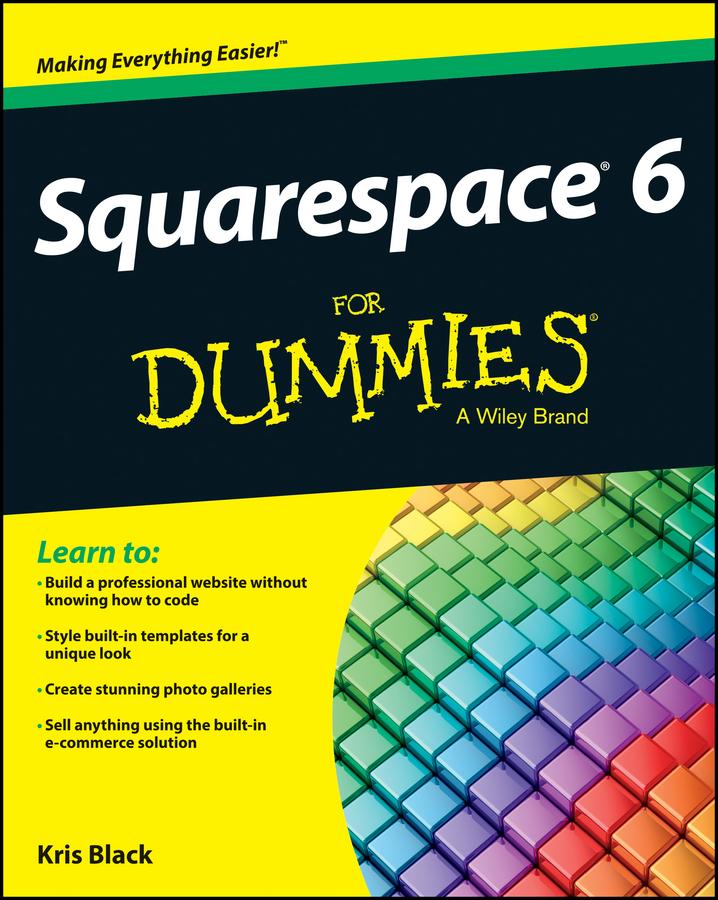
Build your own blog, website, or portfolio with Squarespace
Squarespace lets you create visually rich web pages with any configuration of text, images, or blocks you wish, just by dragging and dropping. Even if you've been using earlier versions of Squarespace, the features in version 6 will amaze you - and bring you straight to this must-have guide for practical information! If you're a do-it-yourself website builder, get up to speed fast on all the next-generation Squarespace tools, including cool new features for mobile sites, SEO, social networks, and more.
- Brings you up to speed on Squarespace 6 and its revolutionary LayoutEngine tool for building visually-rich web pages
- Deciphers the very latest features for page-building in today's markets, including mobile, social media, and using SEO
- Delves into using auto-publish for social networks, using built-in mobile websites, syncing with social networks, gathering real-time statistics, managing your site from your smartphone or mobile device, and much more
- Covers the essentials, such as using templates, drag-and-drop image uploads, image-editing with Aviary, and using Page Builder to create, share, and reblog content
Build awesome, professional websites for your business in no time with Squarespace 6 For Dummies.
Betala smidigt med kort, Klarna, Apple Pay eller Google Pay. Är du inte nöjd har du alltid 14 dagars ångerrätt. Läs mer i våra villkor. Har du några frågor, mejla oss på hello@memmo.org.
Memmo gör det enklare att plugga – var du än är i världen. Hos oss samlar du kursböcker och smarta studieverktyg på ett och samma ställe: sammanfattningar, quiz, poddar och flashcards. Och så Ted, din studiekompis som svarar på allt du undrar. Över 50 000 studenter pluggar redan här – byggt för att du ska lära dig snabbare och stressa mindre.