
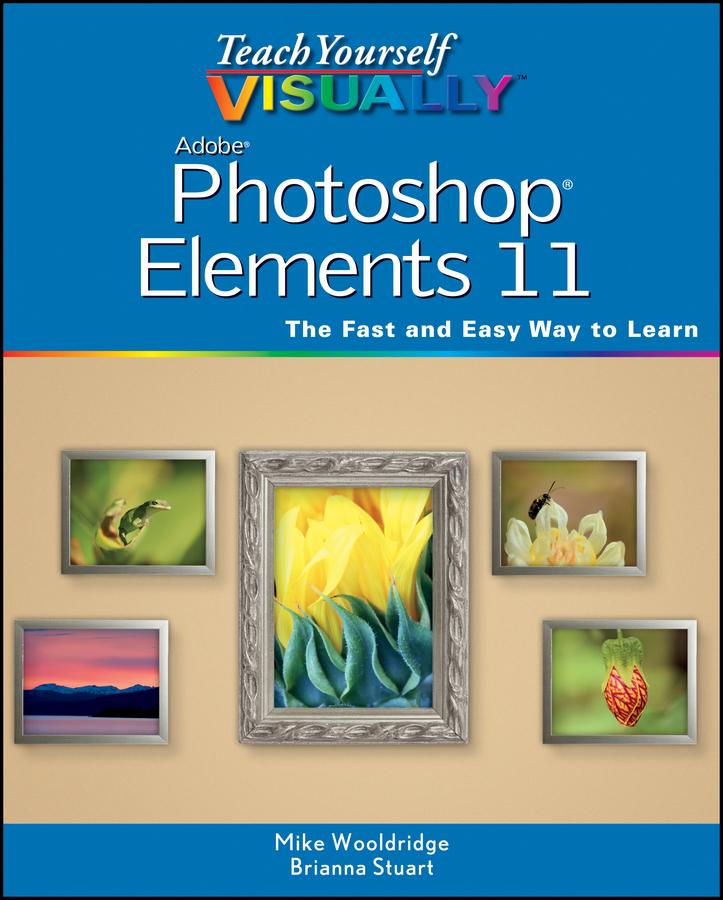
Full-color, step-by-step instruction for using the new Photoshop Elements 11
Covering the most important features of Photoshop Elements 11, this book is packed with step-by-step instructions illustrated with full-color screen shots that clearly shows you how to do tasks, instead of resorting to lengthy explanations. Even better, the book includes an associated website with all the images in the book available for download, so you can get hands-on practice as you go. With this book, veteran author Mike Wooldridge gets up to speed on the latest and best that Photoshop Elements 10 has to offer.
- Walks you through the improved organizational and navigational tools that will help you categorize images
- Details the enhanced tool for converting color images to B&W as well as the Flash-based web gallery templates to display images
- Covers importing photos from digital cameras and scanners, retouching and repairing damaged photos, enhancing digital images, perfecting group shots with Photomerge, and editing images for posting on the web
- Helps you utilize the sharpness interface to correct blurry images as well as the Curves tool to adjust contract and brightness
Teach Yourself VISUALLY Photoshop Elements 11 makes learning the new Photoshop Elements elementary!
Betala smidigt med kort, Klarna, Apple Pay eller Google Pay. Är du inte nöjd har du alltid 14 dagars ångerrätt. Läs mer i våra villkor. Har du några frågor, mejla oss på hello@memmo.org.
Memmo gör det enklare att plugga – var du än är i världen. Hos oss samlar du kursböcker och smarta studieverktyg på ett och samma ställe: sammanfattningar, quiz, poddar och flashcards. Och så Ted, din studiekompis som svarar på allt du undrar. Över 75 000 studenter pluggar redan här – byggt för att du ska lära dig snabbare och stressa mindre.