
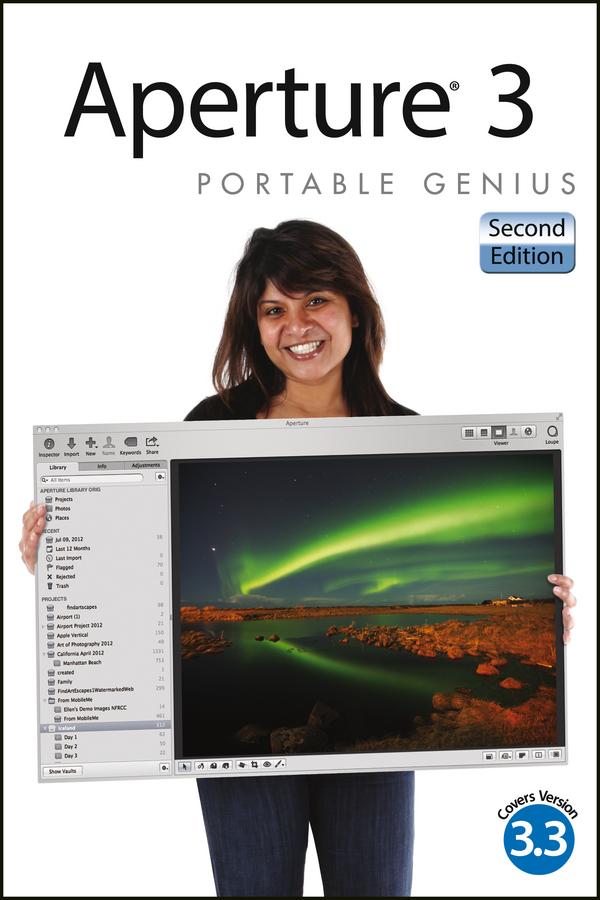
Aperture offers a full range of tools to help serious photographers organize and manipulate images and manage workflow. This little guide is packed with hip tips, secrets, and shortcuts that help you get even more functionality from the software. Find out more than you ever knew about vignetting, RAW fine-tuning, Quick Preview mode, Command Editor, and using the integrated iPhoto Browser. Learn new ways to streamline your workflow, get tips on publishing albums online or as customized photo books, and take advantage of many more Genius techniques.
- Designed for the Apple enthusiast, this handy, colorful guide is packed with ingenious and innovative tips for getting the most from Aperture 3, and the latest version 3.3
- Offers advice on using the new streamlined interface, using advanced RAW image processing, and streamlining workflow with keyboard shortcuts
- Shows how to maximize the effectiveness of vignetting, using Quick Preview mode and Command Editor, and working with the integrated iPhoto Browser
- Provides helpful hints on creating web-based albums and print photo books
Aperture 3 Portable Genius, 2nd Edition gives you the professional tips and tricks that help you squeeze all the functionality from this cool software.
Betala smidigt med kort, Klarna, Apple Pay eller Google Pay. Är du inte nöjd har du alltid 14 dagars ångerrätt. Läs mer i våra villkor. Har du några frågor, mejla oss på hello@memmo.org.
Memmo gör det enklare att plugga – var du än är i världen. Hos oss samlar du kursböcker och smarta studieverktyg på ett och samma ställe: sammanfattningar, quiz, poddar och flashcards. Och så Ted, din studiekompis som svarar på allt du undrar. Över 75 000 studenter pluggar redan här – byggt för att du ska lära dig snabbare och stressa mindre.