
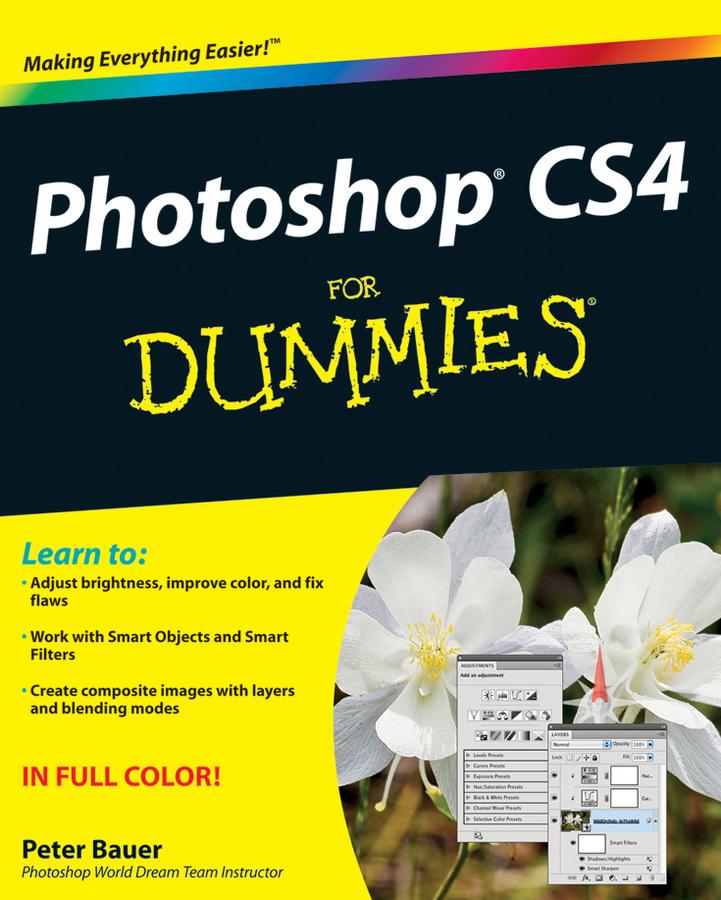
You’ll get all of the basics of digital images and master the importing and exporting of images. You’ll find out how to create easy enhancements like adding shadows and highlights and making color natural, in addition to learning how to use the Adobe camera raw plug-in. Before you know it, you’ll be making beautiful “art” with Photoshop by combining images, precision edges, dressing up images, painting in Photoshop, and using filters. You can even streamline your work in Photoshop using advanced techniques. Find out how to:
- Import images and use all the tools and processes
- Reduce digital noise, make colors look natural, add highlights and shadows
- Optimize images for print or the Web
- Edit images
- Explore the Painting function and master the daunting Brushes panel
- Add layer styles
- Create on-screen presentations, contact prints, and more
Complete with lists of ten reasons to love your Wacom tablet, ten reasons to own a digital camera, and ten favorite tips and tricks, Adobe CS4For Dummies is your one-stop guide to setting up, working with, and making the most of Photoshop CS4 for all your digital photography needs.
Betala smidigt med kort, Klarna, Apple Pay eller Google Pay. Är du inte nöjd har du alltid 14 dagars ångerrätt. Läs mer i våra villkor. Har du några frågor, mejla oss på hello@memmo.org.
Memmo gör det enklare att plugga – var du än är i världen. Hos oss samlar du kursböcker och smarta studieverktyg på ett och samma ställe: sammanfattningar, quiz, poddar och flashcards. Och så Ted, din studiekompis som svarar på allt du undrar. Över 75 000 studenter pluggar redan här – byggt för att du ska lära dig snabbare och stressa mindre.