
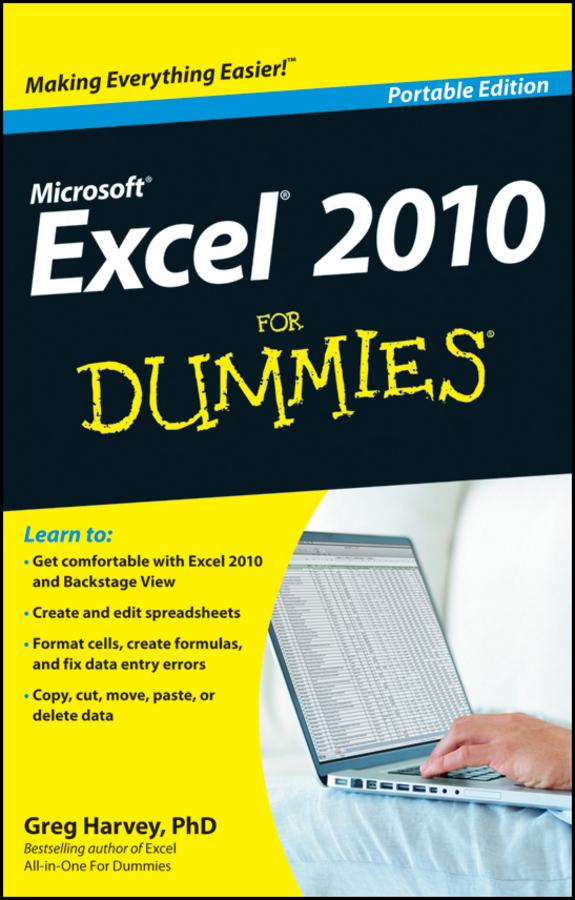
This friendly book gets you started with the basics of Excel 2010, such as creating a spreadsheet from scratch, selecting commands from the Ribbon, customizing the Quick Access toolbar, creating simple formulas, moving and copying data with drag and drop, using the AutoCorrect and AutoFill features, and more.
-
Navigate effectively — see how the Ribbon interface and the Backstage View give you access to all the tools you need for every task
-
Be a mover and a shaker — move and copy data with cut, copy, and paste or drag and drop
-
Summing up — total columns and rows of numbers with the AutoSum button
-
Making it pretty — format data tables, adjust column widths and row heights, hide columns and rows, and format with Styles or the Format Painter
-
Safety net — save your work and recover spreadsheets after a computer crash
Open the book and find:
-
What's new in Excel 2010
-
How to surf an Excel 2010 worksheet and workbook
-
Instructions for entering data in a worksheet
-
Tips for keeping your data secure
-
How to enter and edit formulas with built-in functions
-
Tips for undoing or deleting data entry mistakes
Learn to:
-
Get comfortable with Excel 2010 and Backstage View
-
Create and edit spreadsheets
-
Format cells, create formulas, and fix data entry errors
-
Copy, cut, move, paste, or delete data
Płać wygodnie kartą, Klarną, Apple Pay lub Google Pay. Nie jesteś zadowolony? Zawsze masz 14-dniową gwarancję zwrotu pieniędzy. Więcej przeczytasz w naszych warunkach. Masz pytania? Napisz do nas na hello@memmo.org.
Memmo ułatwia naukę – gdziekolwiek jesteś na świecie. U nas znajdziesz podręczniki i sprytne narzędzia do nauki w jednym miejscu: streszczenia, quizy, podcasty i fiszki. A do tego Ted, Twój kumpel do nauki, który odpowie na wszystko, co Cię nurtuje. Ponad 50 000 studentów już tu się uczy – stworzone, byś uczył się szybciej i mniej stresował.