
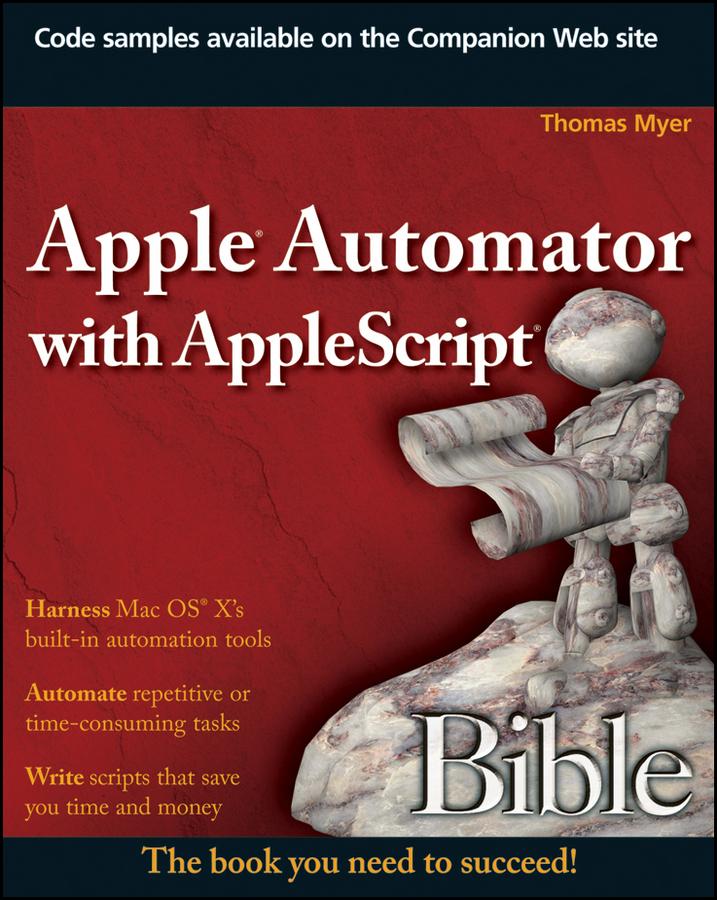
One of the handiest ways to streamline your workload is to automate some of your most routine computer tasks. Mac users are lucky in that they have AppleScript and Automator automation tools built right in. This comprehensive guide shows you how to tap both these useful Mac features for Mac OS X and regularly perform such tasks as extracting unread e-mails from your Mail, scheduling workflows, and manually recording actions to create new automated routines.
- Brings you up to speed on Apple's built-in automation tools for Mac OS X, including a more thorough look at Automator than in many books, and shows you how you can automate many of your most repetitive or error-prone tasks
- Explains how to automate aspects of some of your favorite Mac features, such as iCal, Mail, iPhoto, iTunes, and iDVD
- Covers how to manipulate files and folders; work with PDFs, emails, and Web pages; schedule workflows; set up watch folders; create and use variables; manually record actions; and create AppleScripts that further automate functions
The instruction in this detailed guide will help you increase your productivity using Automator and AppleScript.
Note: CD-ROM/DVD and other supplementary materials are not included as part of Book file.
Płać wygodnie kartą, Klarną, Apple Pay lub Google Pay. Nie jesteś zadowolony? Zawsze masz 14-dniową gwarancję zwrotu pieniędzy. Więcej przeczytasz w naszych warunkach. Masz pytania? Napisz do nas na hello@memmo.org.
Memmo ułatwia naukę – gdziekolwiek jesteś na świecie. U nas znajdziesz podręczniki i sprytne narzędzia do nauki w jednym miejscu: streszczenia, quizy, podcasty i fiszki. A do tego Ted, Twój kumpel do nauki, który odpowie na wszystko, co Cię nurtuje. Ponad 50 000 studentów już tu się uczy – stworzone, byś uczył się szybciej i mniej stresował.