
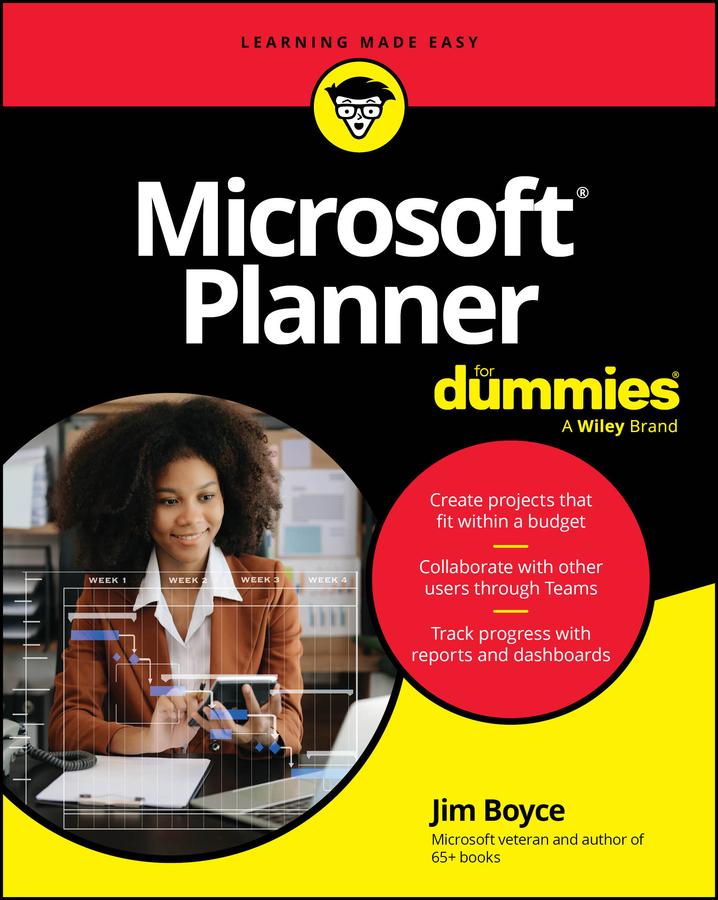
Tackle projects with confidence using Microsoft Planner
Microsoft Planner For Dummies delivers a start-to-finish guide to Microsoft’s industry-leading project management software. Jim Boyce walks you through this not-as-confusing-as-it-first-looks software, showing you the ins and outs of creating projects, integrating Planner with other Microsoft software, organizing and assigning tasks, and more.
Covering the key features of Planner Plan 1, you’ll get insight into planning a project, reporting and tracking progress, and managing plans with other collaborators. Keep your project running smoothly and on track, so the only thing you’ll have to worry about is checking tasks off your checklist.
You’ll also find:
- Step-by-step instructions for planning projects within strict time and budget constraints
- Expansive coverage of report generation within Microsoft Planner
- Practical discussions of how to stay in sync with conversations on Microsoft Teams as you use Planner
For beginner project managers, Microsoft Planner For Dummies is your go-to guide. This is also an essential resource for project management students as well as experienced project managers who are new to – or need a refresher on – Microsoft Planner.
Betal enkelt med kort, Klarna, Apple Pay eller Google Pay. Ikke fornøyd? Du har alltid 14 dagers angrerett. Les mer i våre vilkår. Har du spørsmål, send oss en e-post på hello@memmo.org.
Memmo gjør det enklere å studere – uansett hvor du er i verden. Hos oss samler du pensumbøker og smarte studieverktøy på ett og samme sted: sammendrag, quizer, podkaster og flashcards. Og så Ted, din studiekompis som svarer på alt du lurer på. Over 50 000 studenter studerer allerede her – bygget for at du skal lære raskere og stresse mindre.