
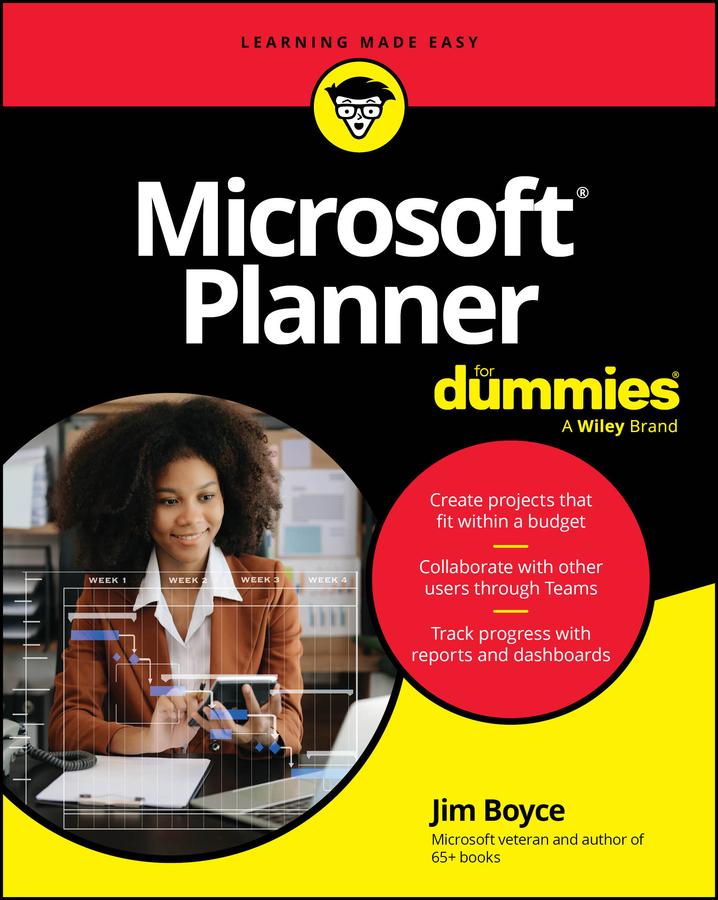
Tackle projects with confidence using Microsoft Planner
Microsoft Planner For Dummies delivers a start-to-finish guide to Microsoft’s industry-leading project management software. Jim Boyce walks you through this not-as-confusing-as-it-first-looks software, showing you the ins and outs of creating projects, integrating Planner with other Microsoft software, organizing and assigning tasks, and more.
Covering the key features of Planner Plan 1, you’ll get insight into planning a project, reporting and tracking progress, and managing plans with other collaborators. Keep your project running smoothly and on track, so the only thing you’ll have to worry about is checking tasks off your checklist.
You’ll also find:
- Step-by-step instructions for planning projects within strict time and budget constraints
- Expansive coverage of report generation within Microsoft Planner
- Practical discussions of how to stay in sync with conversations on Microsoft Teams as you use Planner
For beginner project managers, Microsoft Planner For Dummies is your go-to guide. This is also an essential resource for project management students as well as experienced project managers who are new to – or need a refresher on – Microsoft Planner.
Betaal eenvoudig met kaart, Klarna, Apple Pay of Google Pay. Niet tevreden? Je hebt altijd 14 dagen bedenktijd. Lees meer in onze voorwaarden. Heb je vragen, mail ons dan via hello@memmo.org.
Memmo maakt studeren makkelijker – waar je ook bent ter wereld. Wij brengen je cursusboeken en slimme studietools samen op één plek: samenvattingen, quizzen, podcasts en flashcards. En Ted, je studievriend die antwoord geeft op alles wat je je afvraagt. Meer dan 50.000 studenten studeren hier al – gebouwd om je sneller te laten leren en minder stress te geven.