
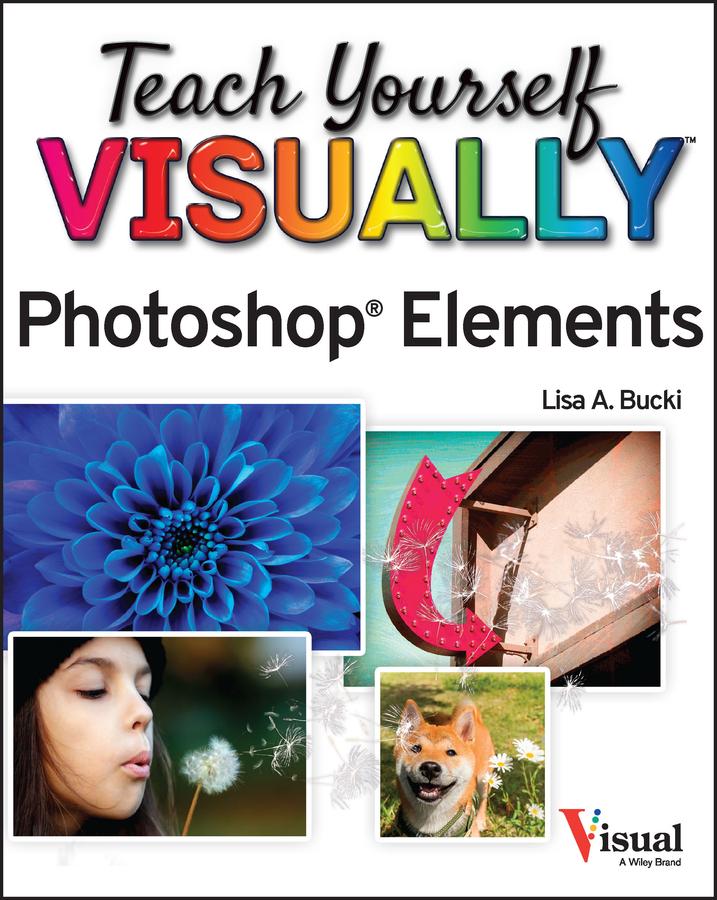
A fast and easy way for visual learners to get a grip on Photoshop Elements
Are you a visual learner? Do you prefer a single, crystal-clear screenshot showing you how to do something to a long-winded explanation telling you how to do it? If so, then this book is for you.
Open up Teach Yourself VISUALLY Photoshop Elements and you’ll find vibrant, step-by-step screenshots showing you how to master over 100 Photoshop Elements tasks. Each task-based spread covers one technique at a time, ensuring you get up and running fast. You’ll learn how to:
- Organize, import, save, and print your photos
- Enhance the lighting and color of pictures that need a little sprucing up
- Apply cool effects that make your photos more lively and interesting
The book breaks big topics down into bite-sized modules with succinct explanations, walking you through every step you need to take. The full-color screenshots demonstrate each task, and helpful sidebars offer practical, hands-on tips and tricks you’ll use every time you open Photoshop Elements. Grab a copy today!
Betaal eenvoudig met kaart, Klarna, Apple Pay of Google Pay. Niet tevreden? Je hebt altijd 14 dagen bedenktijd. Lees meer in onze voorwaarden. Heb je vragen, mail ons dan via hello@memmo.org.
Memmo maakt studeren makkelijker – waar je ook bent ter wereld. Wij brengen je cursusboeken en slimme studietools samen op één plek: samenvattingen, quizzen, podcasts en flashcards. En Ted, je studievriend die antwoord geeft op alles wat je je afvraagt. Meer dan 50.000 studenten studeren hier al – gebouwd om je sneller te laten leren en minder stress te geven.