
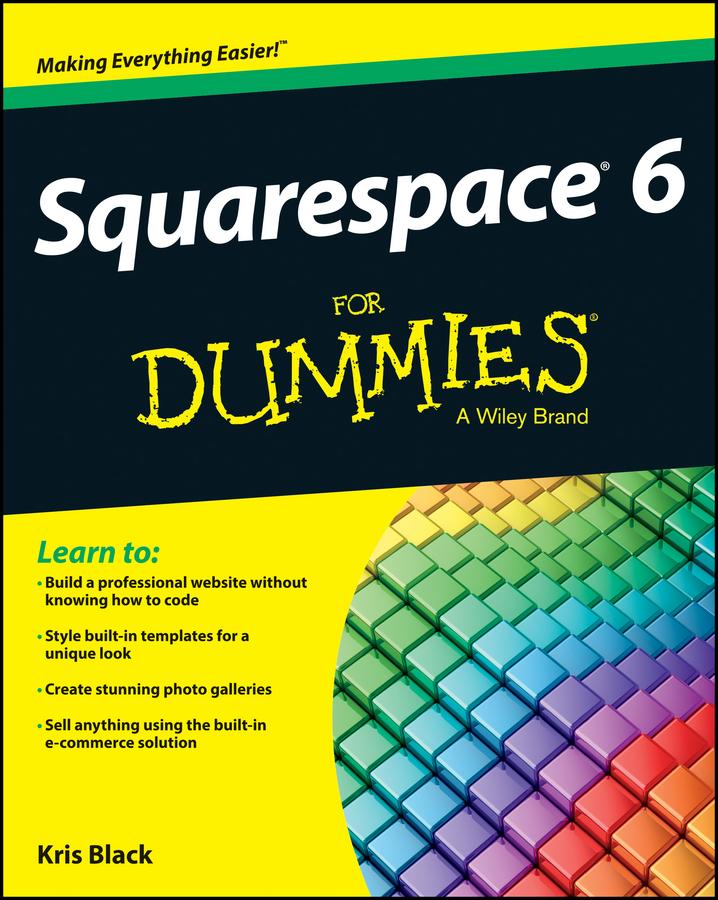
Build your own blog, website, or portfolio with Squarespace
Squarespace lets you create visually rich web pages with any configuration of text, images, or blocks you wish, just by dragging and dropping. Even if you've been using earlier versions of Squarespace, the features in version 6 will amaze you - and bring you straight to this must-have guide for practical information! If you're a do-it-yourself website builder, get up to speed fast on all the next-generation Squarespace tools, including cool new features for mobile sites, SEO, social networks, and more.
- Brings you up to speed on Squarespace 6 and its revolutionary LayoutEngine tool for building visually-rich web pages
- Deciphers the very latest features for page-building in today's markets, including mobile, social media, and using SEO
- Delves into using auto-publish for social networks, using built-in mobile websites, syncing with social networks, gathering real-time statistics, managing your site from your smartphone or mobile device, and much more
- Covers the essentials, such as using templates, drag-and-drop image uploads, image-editing with Aviary, and using Page Builder to create, share, and reblog content
Build awesome, professional websites for your business in no time with Squarespace 6 For Dummies.
Betaal eenvoudig met kaart, Klarna, Apple Pay of Google Pay. Niet tevreden? Je hebt altijd 14 dagen bedenktijd. Lees meer in onze voorwaarden. Heb je vragen, mail ons dan via hello@memmo.org.
Memmo maakt studeren makkelijker – waar je ook bent ter wereld. Wij brengen je cursusboeken en slimme studietools samen op één plek: samenvattingen, quizzen, podcasts en flashcards. En Ted, je studievriend die antwoord geeft op alles wat je je afvraagt. Meer dan 50.000 studenten studeren hier al – gebouwd om je sneller te laten leren en minder stress te geven.