
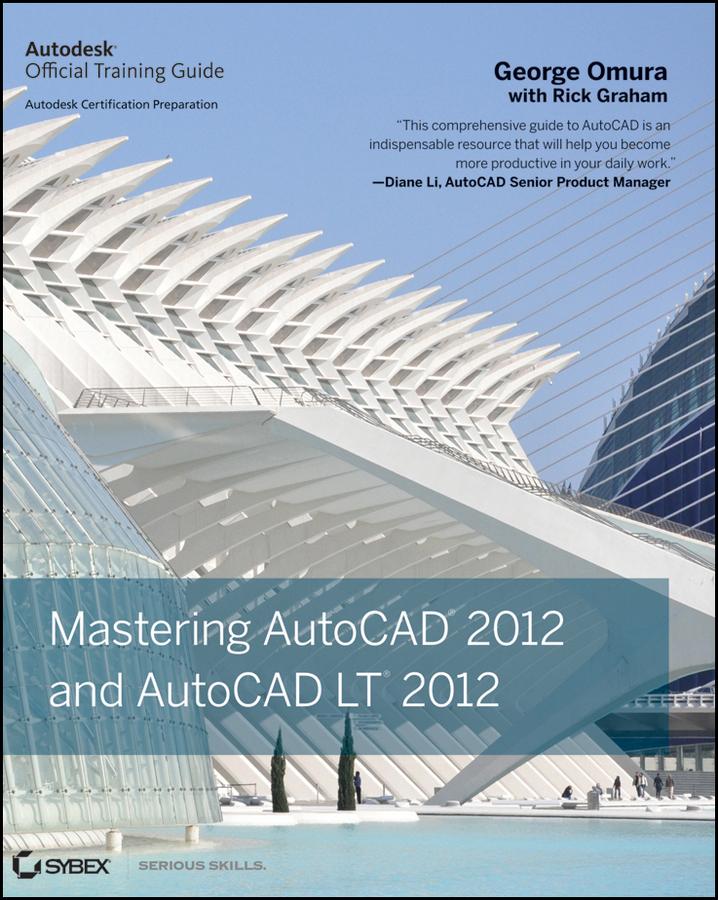
This Autodesk Official Training guide is a comprehensive reference and tutorial that will help you quickly master AutoCAD software. Featuring concise explanations, step-by-step instructions, and hands-on projects based on real-world designs, this Autodesk Official Training Guide covers everything from interface best practices to hatches, fields, dynamic blocks, attributes, linking drawings to databases, rendering realistic views, and presenting designs. This Mastering book is recommended as a Certification Preparation study guide resource for the AutoCAD Associate and Professional exams.
- Serves as an in-depth resource on the fundamentals, functions, and features of AutoCAD, the popular 2D and 3D drawing software, and its less expensive version AutoCAD LT
- Describes how to effectively use hatches, fields, and tables; execute 3D modeling, imaging, and customizing; work with dynamic blocks, drawing curves, and solid fills; and more
- Features a DVD with more than a dozen video tutorials, "before and after" tutorial files, a trial version of AutoCAD, and additional tools and utilities
- Shares helpful examples, step-by-step instructions, and hands-on projects from award-winning author and CAD specialist George Omura
This detailed tutorial is mandatory reading if you're eager to become proficient with AutoCAD or AutoCAD LT.
Betaal eenvoudig met kaart, Klarna, Apple Pay of Google Pay. Niet tevreden? Je hebt altijd 14 dagen bedenktijd. Lees meer in onze voorwaarden. Heb je vragen, mail ons dan via hello@memmo.org.
Memmo maakt studeren makkelijker – waar je ook bent ter wereld. Wij brengen je cursusboeken en slimme studietools samen op één plek: samenvattingen, quizzen, podcasts en flashcards. En Ted, je studievriend die antwoord geeft op alles wat je je afvraagt. Meer dan 50.000 studenten studeren hier al – gebouwd om je sneller te laten leren en minder stress te geven.