
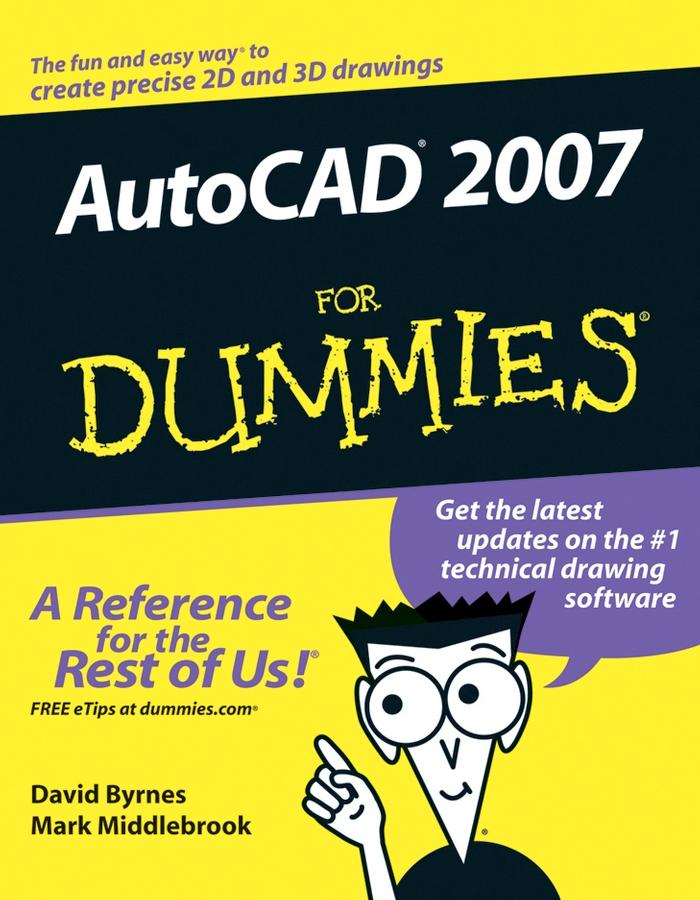
AutoCAD 2007 For Dummies will show you how to perform these tasks and more! This hands-on guide lets you discover how to navigate around all the complications and start creating cool drawings in no time. Soon you’ll have the tools you need to use DWG, set up drawings, add text, and work with lines, as well as:
- Draw a base plate with rectangles and circles
- Organize a successful template
- Zoom and pan with glass and hand
- Use the AutoCAD design center
- Navigate through your 3-D drawing projects
- Plot layout, lineweights, and colors
- Design block definitions
- Slice and dice your drawings to create new designs
- Create a Web format using AutoCAD
This book also features suggestions and tips on how to touch up your creations as well as ways to swap drawing data with other people and programs. Written in a friendly, straightforward tone that doesn’t try to overwhelm you, AutoCAD 2007 For Dummies shows you the fun and easy way to draw precise 2-D and 3-D drawings!
Betaal eenvoudig met kaart, Klarna, Apple Pay of Google Pay. Niet tevreden? Je hebt altijd 14 dagen bedenktijd. Lees meer in onze voorwaarden. Heb je vragen, mail ons dan via hello@memmo.org.
Memmo maakt studeren makkelijker – waar je ook bent ter wereld. Wij brengen je cursusboeken en slimme studietools samen op één plek: samenvattingen, quizzen, podcasts en flashcards. En Ted, je studievriend die antwoord geeft op alles wat je je afvraagt. Meer dan 50.000 studenten studeren hier al – gebouwd om je sneller te laten leren en minder stress te geven.