
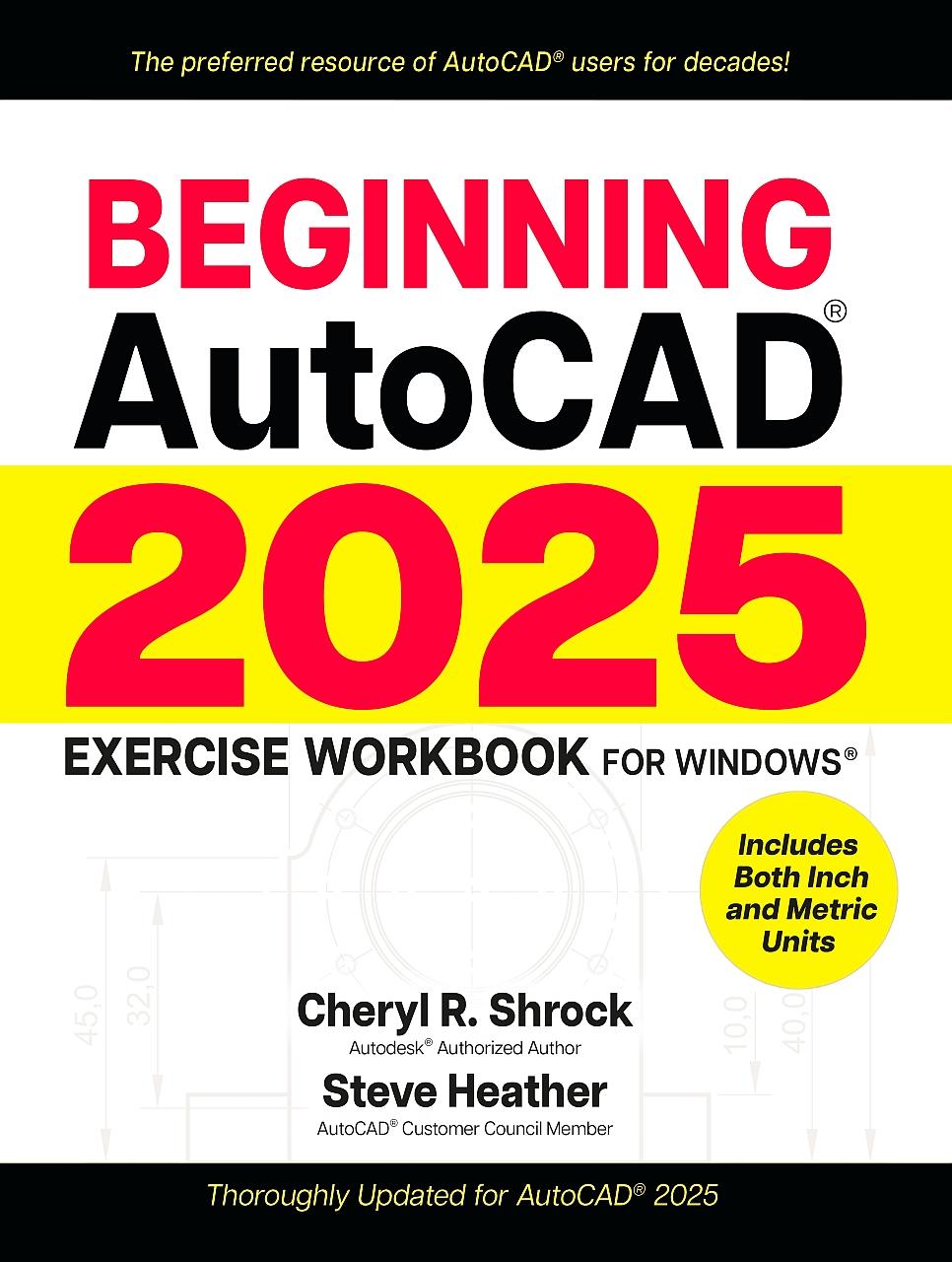
For decades, AutoCAD® students, instructors, and professionals have relied on the Exercise Workbook series to develop and hone their use of this exceptionally versatile program. Whether you are an AutoCAD novice, seeking to improve 2D drawing capabilities, or simply looking for a top-notch reference with the very latest updates from Autodesk®, the bestselling Beginning AutoCAD® 2025 Exercise Workbook is the perfect choice.
With clear explanations, step-by-step instructions, inside tips, and numerous exercises, AutoCAD experts Shrock and Heather help users make real progress in their drawing capabilities. To quick-start working with drawing commands, users can download preset drawing templates from the provided link, or by visiting Industrial Press’s print or Book website product pages.
The new AutoCAD 2025 software builds on the features of previous releases. Notable changes include a smarter help menu and useful revisions to the Hatch tool, making it easier to fill in AutoCAD drawings. As ever, this new version enables efficient creation, precise revision, and collaborative sharing of layouts for myriad projects.
New and/or Improved Features in Beginning AutoCAD 2025:
With clear explanations, step-by-step instructions, inside tips, and numerous exercises, AutoCAD experts Shrock and Heather help users make real progress in their drawing capabilities. To quick-start working with drawing commands, users can download preset drawing templates from the provided link, or by visiting Industrial Press’s print or Book website product pages.
The new AutoCAD 2025 software builds on the features of previous releases. Notable changes include a smarter help menu and useful revisions to the Hatch tool, making it easier to fill in AutoCAD drawings. As ever, this new version enables efficient creation, precise revision, and collaborative sharing of layouts for myriad projects.
New and/or Improved Features in Beginning AutoCAD 2025:
- Autodesk Assistant—This artificial intelligence (AI) enhanced help system can help answer AutoCAD-related questions. If the Autodesk Assistant cannot provide the needed answer, it links the user to other sources, including a live Autodesk agent. (Included in Lesson 1)
- Hatch Improvements—The Hatch tool has been enhanced to enable more efficient placement of a hatch pattern without the previous requirement of a closed boundary. (Included in Lesson 15)
- Global AutoCAD 2025 Updates—New illustrations, detailed explanations, and step-by-step instructions throughout this Exercise Workbook reflect the latest AutoCAD tools, dialog boxes, and key elements.
Betaal eenvoudig met kaart, Klarna, Apple Pay of Google Pay. Niet tevreden? Je hebt altijd 14 dagen bedenktijd. Lees meer in onze voorwaarden. Heb je vragen, mail ons dan via hello@memmo.org.
Memmo maakt studeren makkelijker – waar je ook bent ter wereld. Wij brengen je cursusboeken en slimme studietools samen op één plek: samenvattingen, quizzen, podcasts en flashcards. En Ted, je studievriend die antwoord geeft op alles wat je je afvraagt. Meer dan 50.000 studenten studeren hier al – gebouwd om je sneller te laten leren en minder stress te geven.
Misschien vind je dit ook leuk
Koop het boek0