
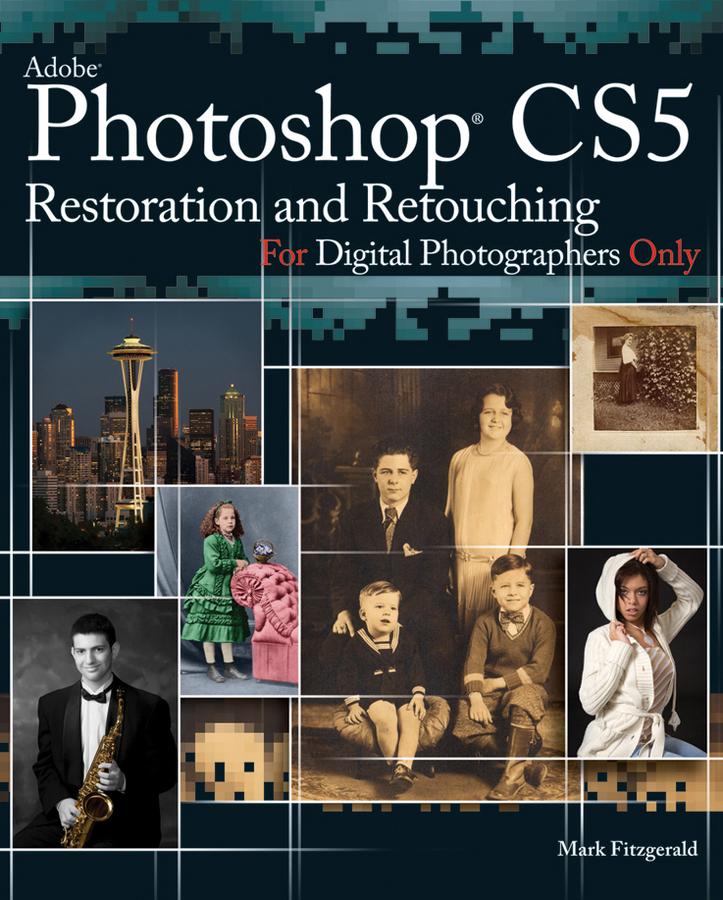
Follow Adobe Certified Photoshop Expert Mark Fitzgerald as he guides you through the restoration and retouching workflows. Begin by learning about basic concepts, such as proper tonal and color adjustment, selections, and masking. Then learn to master Photoshop’s retouching tools, like the Healing Brush, Patch Tool, and Clone Stamp. After you build a solid foundation, you’ll see how these tools and techniques come together to solve a wide range of restoration and retouching problems; from repairing a damaged print to removing braces and repairing glass glares.
Explore the tools and techniques with step-by-step expert instructions for downloadable practice files. Experience the total workflow as you complete three projects along side Mark from start to finish: a restoration project, a portrait retouching project, and an architectural retouching project.
This book is an update to Mark Fitzgerald’s popular book, Adobe Photoshop CS3 Restoration and Retouching Bible.
Betaal eenvoudig met kaart, Klarna, Apple Pay of Google Pay. Niet tevreden? Je hebt altijd 14 dagen bedenktijd. Lees meer in onze voorwaarden. Heb je vragen, mail ons dan via hello@memmo.org.
Memmo maakt studeren makkelijker – waar je ook bent ter wereld. Wij brengen je cursusboeken en slimme studietools samen op één plek: samenvattingen, quizzen, podcasts en flashcards. En Ted, je studievriend die antwoord geeft op alles wat je je afvraagt. Meer dan 50.000 studenten studeren hier al – gebouwd om je sneller te laten leren en minder stress te geven.