
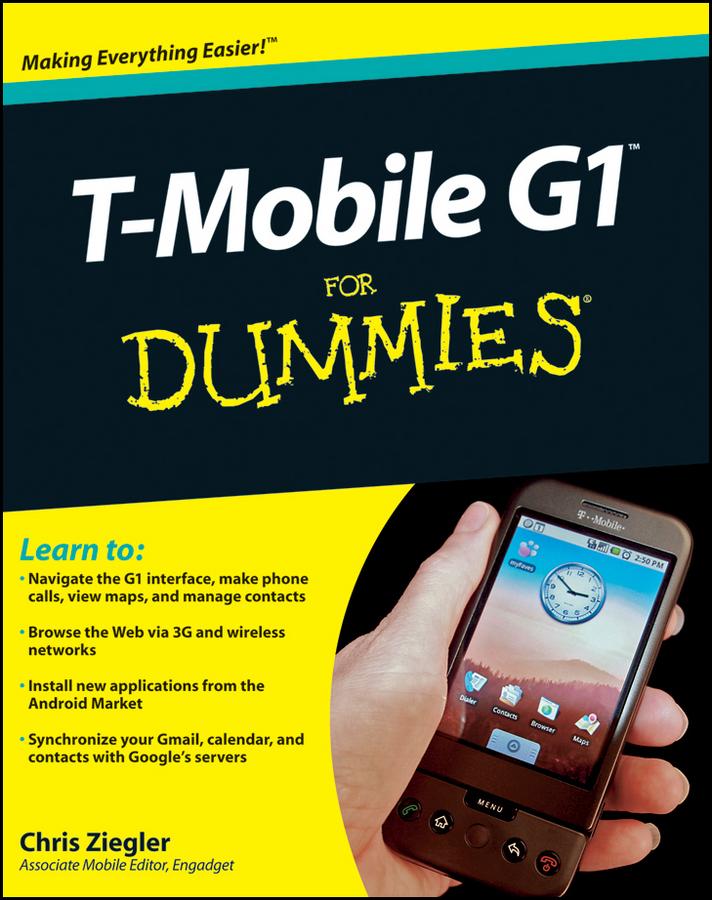
This fun and friendly guide shows you how to navigate the G1’s android interface, make phone calls, view maps, manage contacts, browse the Web, and a whole lot more. Your T-Mobile G1 is so much more than a phone—it’s also an administrative assistant, movie theater, jukebox, mobile office, and several more things all rolled into one device. With T-Mobile G1 For Dummies, you can:
- Find out all about the Android smartphone operating system and what it offers
- Learn your way around the G1’s keyboard, buttons, and touch screen
- See how your G1 connects to both Wi-Fi networks and T-Mobile’s high-speed network
- Surf the Web, download music and picture files, and tweak browser settings
- Send and receive Gmail, get where you’re going with Google Maps, and stay organized with Google Calendar
- Take photos, check out YouTube, and fill your phone with media
- Manage your e-mail and choose which messages will be synced to your phone
- Shop the Android Market and discover more cool apps for your G1
Don’t waste a single cool feature of your T-Mobile G1! T-Mobile G1 For Dummies shows you how to use all the great Google functions, play (and even buy) music, browse the Web, add apps, and more.
Betaal eenvoudig met kaart, Klarna, Apple Pay of Google Pay. Niet tevreden? Je hebt altijd 14 dagen bedenktijd. Lees meer in onze voorwaarden. Heb je vragen, mail ons dan via hello@memmo.org.
Memmo maakt studeren makkelijker – waar je ook bent ter wereld. Wij brengen je cursusboeken en slimme studietools samen op één plek: samenvattingen, quizzen, podcasts en flashcards. En Ted, je studievriend die antwoord geeft op alles wat je je afvraagt. Meer dan 50.000 studenten studeren hier al – gebouwd om je sneller te laten leren en minder stress te geven.