
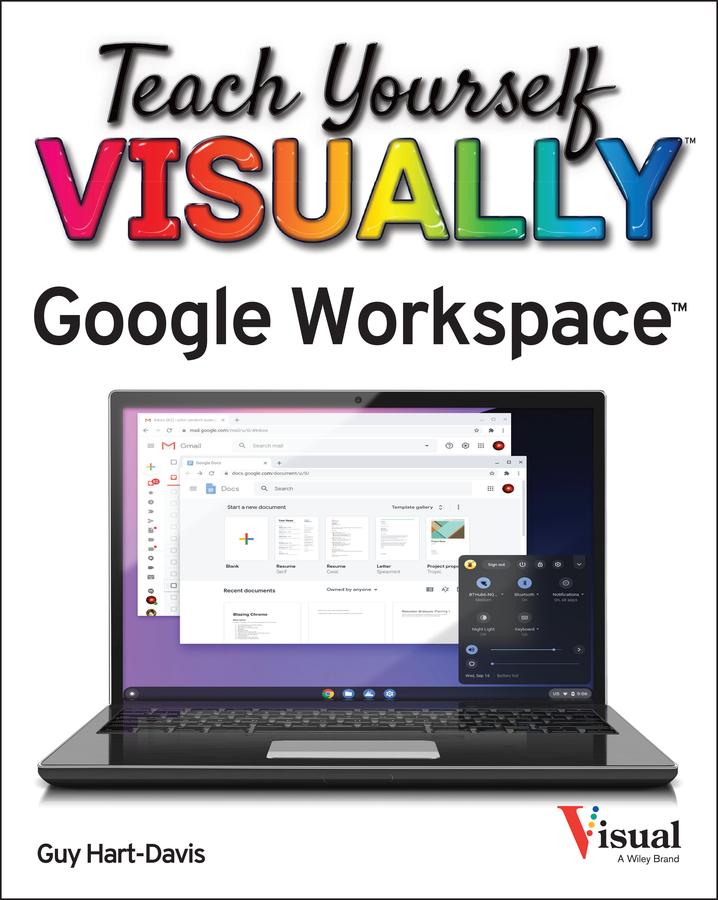
Master the ins and outs of Google's free-to-use office and productivity software
Teach Yourself VISUALLY Google Workspace delivers the ultimate guide to getting the most out of Google's Workspace cloud software. Accomplished author Guy Hart-Davis offers readers the ability to tackle a huge number of everyday productivity problems with Google's intuitive collection of online tools. With over 700 full-color screenshots included to help you learn, you'll discover how to:
- Manage your online Google Calendar
- Master the files and folders in your Google Drive storage
- Customize your folders and navigate your Gmail account
- Create perfect spreadsheets, presentations, and documents in Google Sheets, Slides, and Docs
Perfect for anyone who hopes to make sense of Google's highly practical and free online suite of tools, Teach Yourself VISUALLY Google Workspace also belongs on the bookshelves of those who already find themselves using Workspace and just want to get more out of it.
Payez facilement par carte, Klarna, Apple Pay ou Google Pay. Pas satisfait ? Vous avez toujours une garantie de remboursement de 14 jours. En savoir plus dans nos conditions. Si vous avez des questions, envoyez-nous un e-mail à hello@memmo.org.
Memmo facilite tes études, où que tu sois dans le monde. On rassemble tes manuels de cours et des outils d'étude intelligents au même endroit : résumés, quiz, podcasts et flashcards. Et il y a Ted, ton compagnon d'étude qui répond à toutes tes questions. Plus de 50 000 étudiants étudient déjà ici – conçu pour t'aider à apprendre plus vite et à moins stresser.