
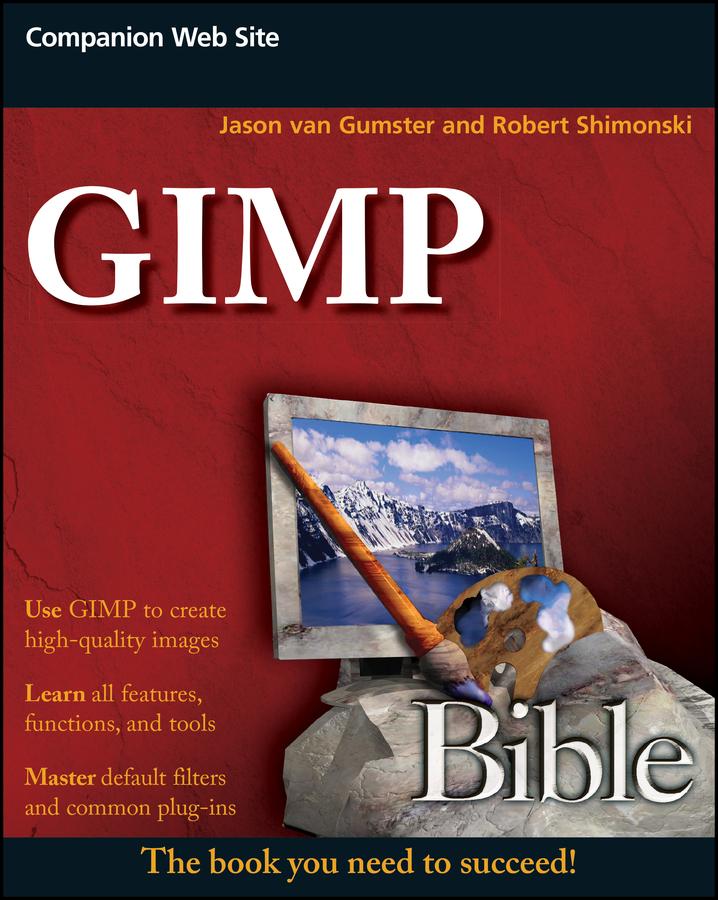
GIMP is a free, Photoshop-like image manipulation program, and as its use grows, so does the demand for detailed instruction on how to get the very most out of it. GIMP Bible is the most comprehensive and current independent GIMP reference available that goes beyond official documentation.
If you're a digital artist or photographer, the step-by-step explanations in this authoritative guide show you how to power-use GIMP throughout a production pipeline. Topics include understanding the GIMP interface and how to work with it, how to use all of GIMP's tools to create high-quality images, GIMP's default filters and plug-ins, advanced techniques for customization with Python and Scheme scripting, and much more.
- GIMP (GNU Image Manipulation Program) is a free graphics editor that runs on Linux, Windows, or Macs; it is used to process digital graphics and photographs including creating graphics and logos, resizing and cropping photos, altering colors, combining images, creating basic GIF animated images, and more
- Whether you're a digital artist, professional photographer, or beginner, this detailed how-to shows you best practices, valuable techniques, and helpful tips for getting the most out of GIMP for your projects
- Topics include the GIMP interface and how to work with it, in-depth description of GIMP's tools and how to use them to create high-quality images, a comprehensive reference for all of GIMP's default filters and common plug-ins, and advanced customization with Python and Scheme scripting
Get the most out of this free image editing tool for your production pipeline with the GIMP Bible.
Payez facilement par carte, Klarna, Apple Pay ou Google Pay. Pas satisfait ? Vous avez toujours une garantie de remboursement de 14 jours. En savoir plus dans nos conditions. Si vous avez des questions, envoyez-nous un e-mail à hello@memmo.org.
Memmo facilite tes études, où que tu sois dans le monde. On rassemble tes manuels de cours et des outils d'étude intelligents au même endroit : résumés, quiz, podcasts et flashcards. Et il y a Ted, ton compagnon d'étude qui répond à toutes tes questions. Plus de 50 000 étudiants étudient déjà ici – conçu pour t'aider à apprendre plus vite et à moins stresser.