
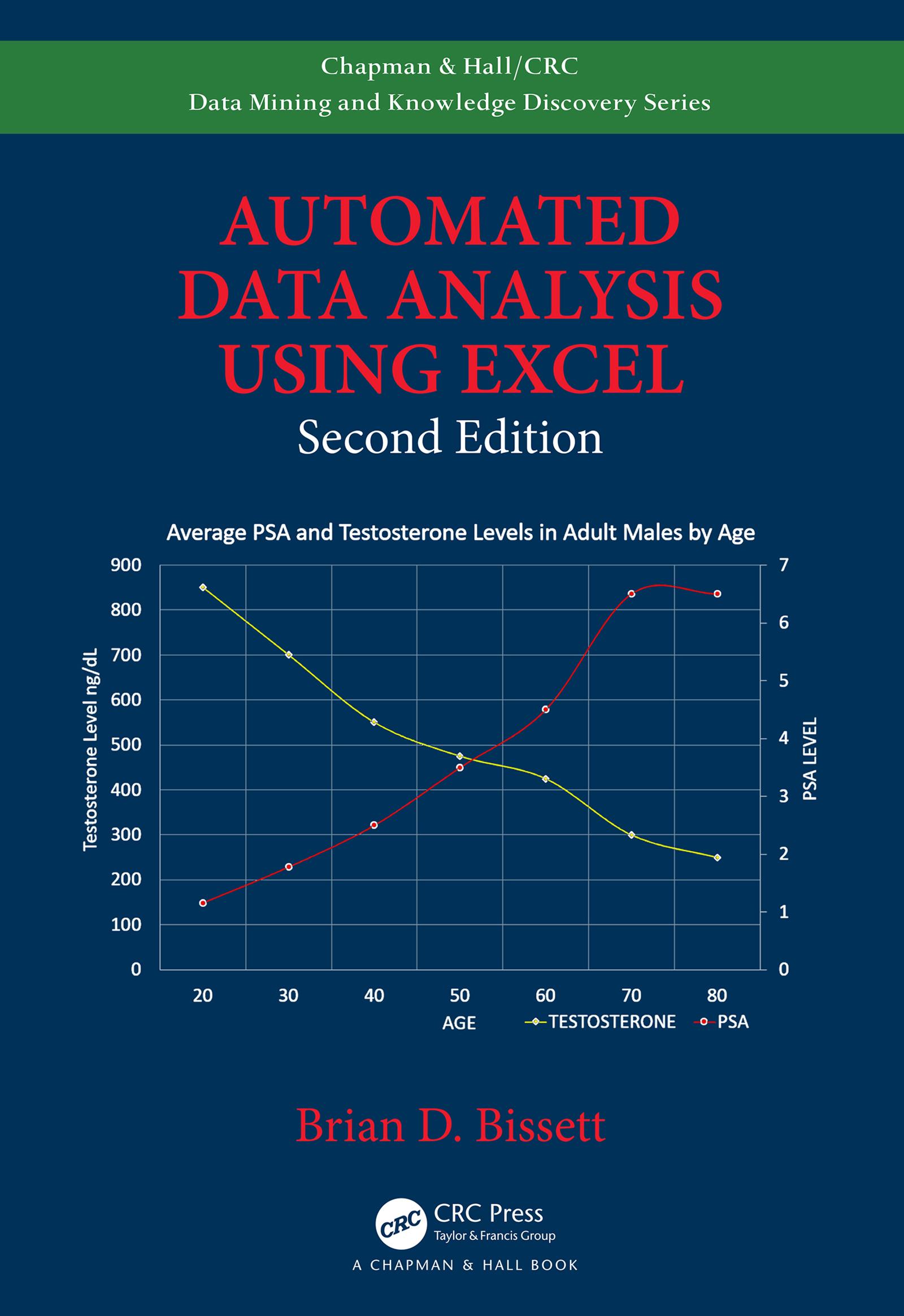
This new edition covers some of the key topics relating to the latest version of MS Office through Excel 2019, including the creation of custom ribbons by injecting XML code into Excel Workbooks and how to link Excel VBA macros to customize ribbon objects. It now also provides examples in using ADO, DAO, and SQL queries to retrieve data from databases for analysis. Operations such as fully automated linear and non-linear curve fitting, linear and non-linear mapping, charting, plotting, sorting, and filtering of data have been updated to leverage the newest Excel VBA object models. The text provides examples on automated data analysis and the preparation of custom reports suitable for legal archiving and dissemination.
Functionality Demonstrated in This Edition Includes:
- Find and extract information raw data files
- Format data in color (conditional formatting)
- Perform non-linear and linear regressions on data
- Create custom functions for specific applications
- Generate datasets for regressions and functions
- Create custom reports for regulatory agencies
- Leverage email to send generated reports
- Return data to Excel using ADO, DAO, and SQL queries
- Create database files for processed data
- Create tables, records, and fields in databases
- Add data to databases in fields or records
- Leverage external computational engines
- Call functions in MATLAB® and Origin® from Excel
Payez facilement par carte, Klarna, Apple Pay ou Google Pay. Pas satisfait ? Vous avez toujours une garantie de remboursement de 14 jours. En savoir plus dans nos conditions. Si vous avez des questions, envoyez-nous un e-mail à hello@memmo.org.
Memmo facilite tes études, où que tu sois dans le monde. On rassemble tes manuels de cours et des outils d'étude intelligents au même endroit : résumés, quiz, podcasts et flashcards. Et il y a Ted, ton compagnon d'étude qui répond à toutes tes questions. Plus de 50 000 étudiants étudient déjà ici – conçu pour t'aider à apprendre plus vite et à moins stresser.