
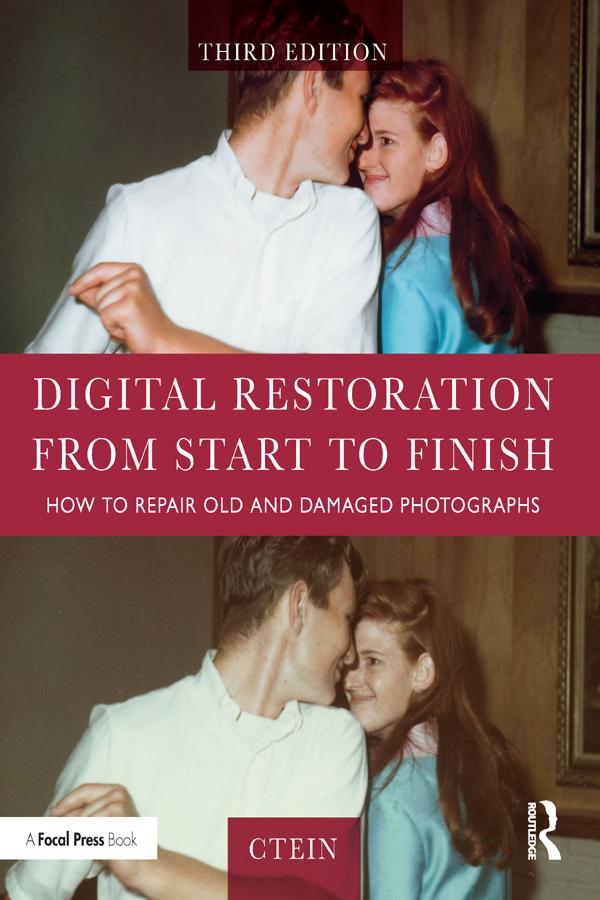
This third edition of Digital Restoration from Start to Finish walks you step-by-step through the entire process of restoring old photographs and repairing new ones using Adobe Photoshop, Photoshop Elements, GIMP and more. This best-selling guide is now updated with the latest software advancements, and new techniques including hand-tinting in lab, repairing water damaged photos, and tips for the spot healing brush and masked layers. No process detail is overlooked, from choosing the right hardware and software, getting the photographs into the computer, getting the finished photo out of the computer and preserving it for posterity.
LEARN HOW TO:
Scan faded and damaged prints or films
Improve snapshots with Shadow/Highlight adjustment
Correct uneven exposure
Fix color and skin tones quickly with Curves, plug-ins, and Hue/Saturation adjustment layers
Correct uneven exposure and do dodging and burning-in with adjustment layers
Hand-tint your photographs easily
Correct skin tones with airbrush layers
Clean up dust and scratches speedily and effectively
Repair small and large cracks with masks and filters
Eliminate tarnish and silvered-out spots from a photograph in just a few steps
Minimize unwanted print surface textures
Erase mildew spots
Eliminate dots from newspaper photographs
Increase sharpness and fine detail
Maximize print quality
Maksa helposti kortilla, Klarnalla, Apple Paylla tai Google Paylla. Etkö ole tyytyväinen? Sinulla on aina 14 päivän palautusoikeus. Lue lisää ehdoistamme. Jos sinulla on kysyttävää, lähetä meille sähköpostia osoitteeseen hello@memmo.org.
Memmo tekee opiskelusta helpompaa – missä päin maailmaa ikinä oletkin. Meillä yhdistät kurssikirjat ja fiksut opiskelutyökalut yhteen paikkaan: tiivistelmät, visat, podcastit ja muistikortit. Ja sitten Ted, opiskelukaverisi, joka vastaa kaikkeen, mitä ikinä mietitkin. Yli 50 000 opiskelijaa opiskelee jo täällä – rakennettu auttamaan sinua oppimaan nopeammin ja stressaamaan vähemmän.