
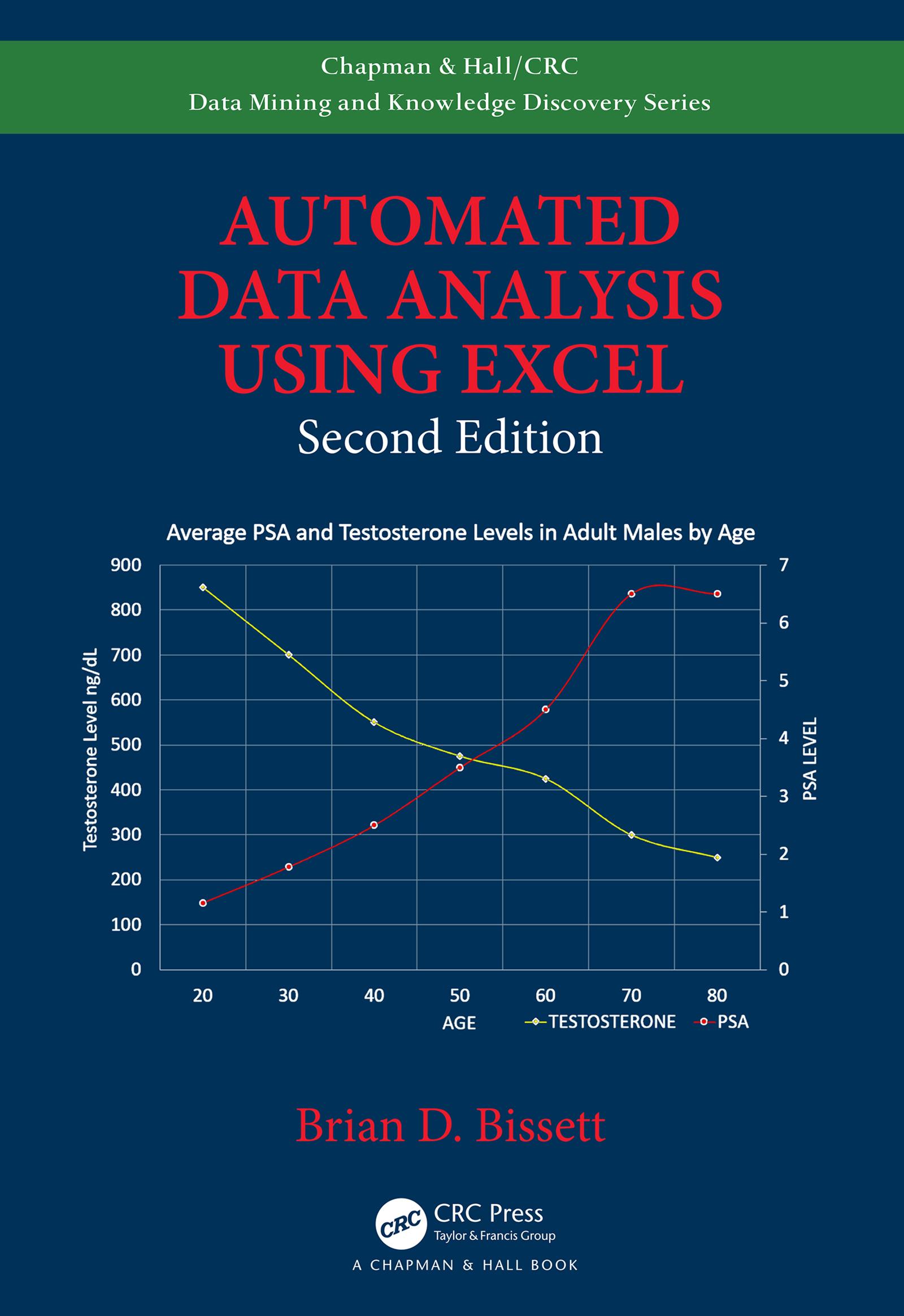
This new edition covers some of the key topics relating to the latest version of MS Office through Excel 2019, including the creation of custom ribbons by injecting XML code into Excel Workbooks and how to link Excel VBA macros to customize ribbon objects. It now also provides examples in using ADO, DAO, and SQL queries to retrieve data from databases for analysis. Operations such as fully automated linear and non-linear curve fitting, linear and non-linear mapping, charting, plotting, sorting, and filtering of data have been updated to leverage the newest Excel VBA object models. The text provides examples on automated data analysis and the preparation of custom reports suitable for legal archiving and dissemination.
Functionality Demonstrated in This Edition Includes:
- Find and extract information raw data files
- Format data in color (conditional formatting)
- Perform non-linear and linear regressions on data
- Create custom functions for specific applications
- Generate datasets for regressions and functions
- Create custom reports for regulatory agencies
- Leverage email to send generated reports
- Return data to Excel using ADO, DAO, and SQL queries
- Create database files for processed data
- Create tables, records, and fields in databases
- Add data to databases in fields or records
- Leverage external computational engines
- Call functions in MATLAB® and Origin® from Excel
Maksa helposti kortilla, Klarnalla, Apple Paylla tai Google Paylla. Etkö ole tyytyväinen? Sinulla on aina 14 päivän palautusoikeus. Lue lisää ehdoistamme. Jos sinulla on kysyttävää, lähetä meille sähköpostia osoitteeseen hello@memmo.org.
Memmo tekee opiskelusta helpompaa – missä päin maailmaa ikinä oletkin. Meillä yhdistät kurssikirjat ja fiksut opiskelutyökalut yhteen paikkaan: tiivistelmät, visat, podcastit ja muistikortit. Ja sitten Ted, opiskelukaverisi, joka vastaa kaikkeen, mitä ikinä mietitkin. Yli 50 000 opiskelijaa opiskelee jo täällä – rakennettu auttamaan sinua oppimaan nopeammin ja stressaamaan vähemmän.