
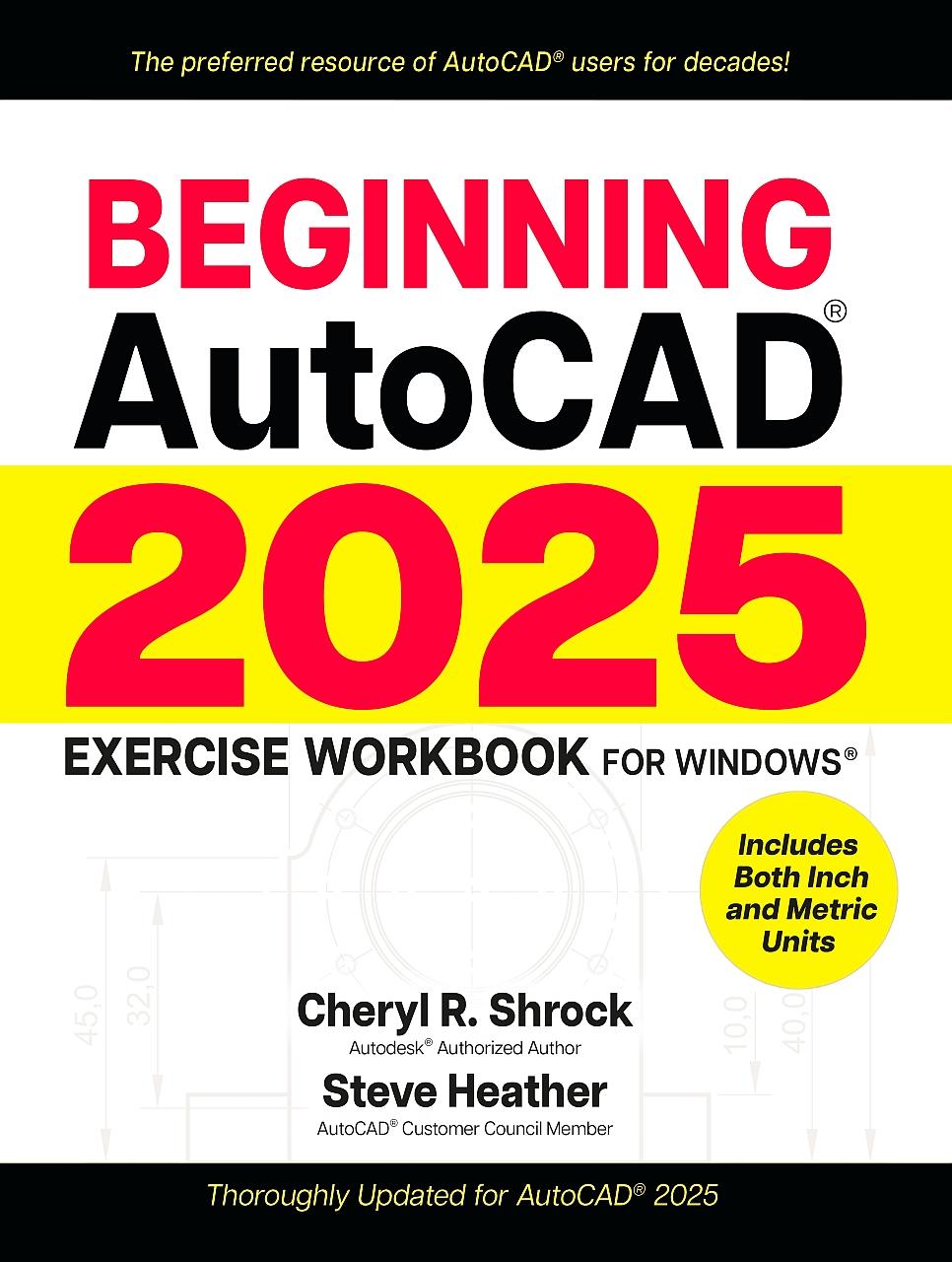
For decades, AutoCAD® students, instructors, and professionals have relied on the Exercise Workbook series to develop and hone their use of this exceptionally versatile program. Whether you are an AutoCAD novice, seeking to improve 2D drawing capabilities, or simply looking for a top-notch reference with the very latest updates from Autodesk®, the bestselling Beginning AutoCAD® 2025 Exercise Workbook is the perfect choice.
With clear explanations, step-by-step instructions, inside tips, and numerous exercises, AutoCAD experts Shrock and Heather help users make real progress in their drawing capabilities. To quick-start working with drawing commands, users can download preset drawing templates from the provided link, or by visiting Industrial Press’s print or Book website product pages.
The new AutoCAD 2025 software builds on the features of previous releases. Notable changes include a smarter help menu and useful revisions to the Hatch tool, making it easier to fill in AutoCAD drawings. As ever, this new version enables efficient creation, precise revision, and collaborative sharing of layouts for myriad projects.
New and/or Improved Features in Beginning AutoCAD 2025:
With clear explanations, step-by-step instructions, inside tips, and numerous exercises, AutoCAD experts Shrock and Heather help users make real progress in their drawing capabilities. To quick-start working with drawing commands, users can download preset drawing templates from the provided link, or by visiting Industrial Press’s print or Book website product pages.
The new AutoCAD 2025 software builds on the features of previous releases. Notable changes include a smarter help menu and useful revisions to the Hatch tool, making it easier to fill in AutoCAD drawings. As ever, this new version enables efficient creation, precise revision, and collaborative sharing of layouts for myriad projects.
New and/or Improved Features in Beginning AutoCAD 2025:
- Autodesk Assistant—This artificial intelligence (AI) enhanced help system can help answer AutoCAD-related questions. If the Autodesk Assistant cannot provide the needed answer, it links the user to other sources, including a live Autodesk agent. (Included in Lesson 1)
- Hatch Improvements—The Hatch tool has been enhanced to enable more efficient placement of a hatch pattern without the previous requirement of a closed boundary. (Included in Lesson 15)
- Global AutoCAD 2025 Updates—New illustrations, detailed explanations, and step-by-step instructions throughout this Exercise Workbook reflect the latest AutoCAD tools, dialog boxes, and key elements.
Paga fácilmente con tarjeta, Klarna, Apple Pay o Google Pay. ¿No estás contento? Siempre tienes 14 días de garantía de devolución. Lee más en nuestros términos. Si tienes preguntas, escríbenos a hello@memmo.org.
Memmo hace que estudiar sea más fácil, estés donde estés. Aquí tienes tus libros de texto y herramientas de estudio inteligentes en un solo lugar: resúmenes, quizzes, podcasts y flashcards. Y también a Ted, tu compañero de estudio que responde a todo lo que te preguntes. Más de 50 000 estudiantes ya estudian aquí. Está hecho para que aprendas más rápido y te estreses menos.
También te podría gustar
Comprar el libro0